三分钟看懂webSocket单发、群发、心跳检测机制
三分钟看懂webSocket单发、群发、心跳检测机制
目录
- 三分钟看懂webSocket单发、群发、心跳检测机制
- 前言
- 一、什么是webSocket?
- 二、使用步骤
- 1.搭建Springboot项目、导入相关POM
- 2.编辑application.yml
- 3.编辑ws.js文件
- 4.编辑webClient.html文件
- 5.编辑WebSocketUtil工具类
- 6.编辑WebSocketConfig配置类
- 7.编辑webController类
- 8.效果图如下
- 9.项目结构如下
- 总结
前言
该文章主要讲解webSocket如何应用,单发、群发、心跳检测机制如何实现
一、什么是webSocket?
WebSocket是一种在单个TCP连接上进行全双工通信的协议,这也是其最大特点,服务器可以主动向客户端推送信息,客户端也可以主动向服务器发送信息,是真正的双向平等对话,属于服务器推送技术的一种
二、使用步骤
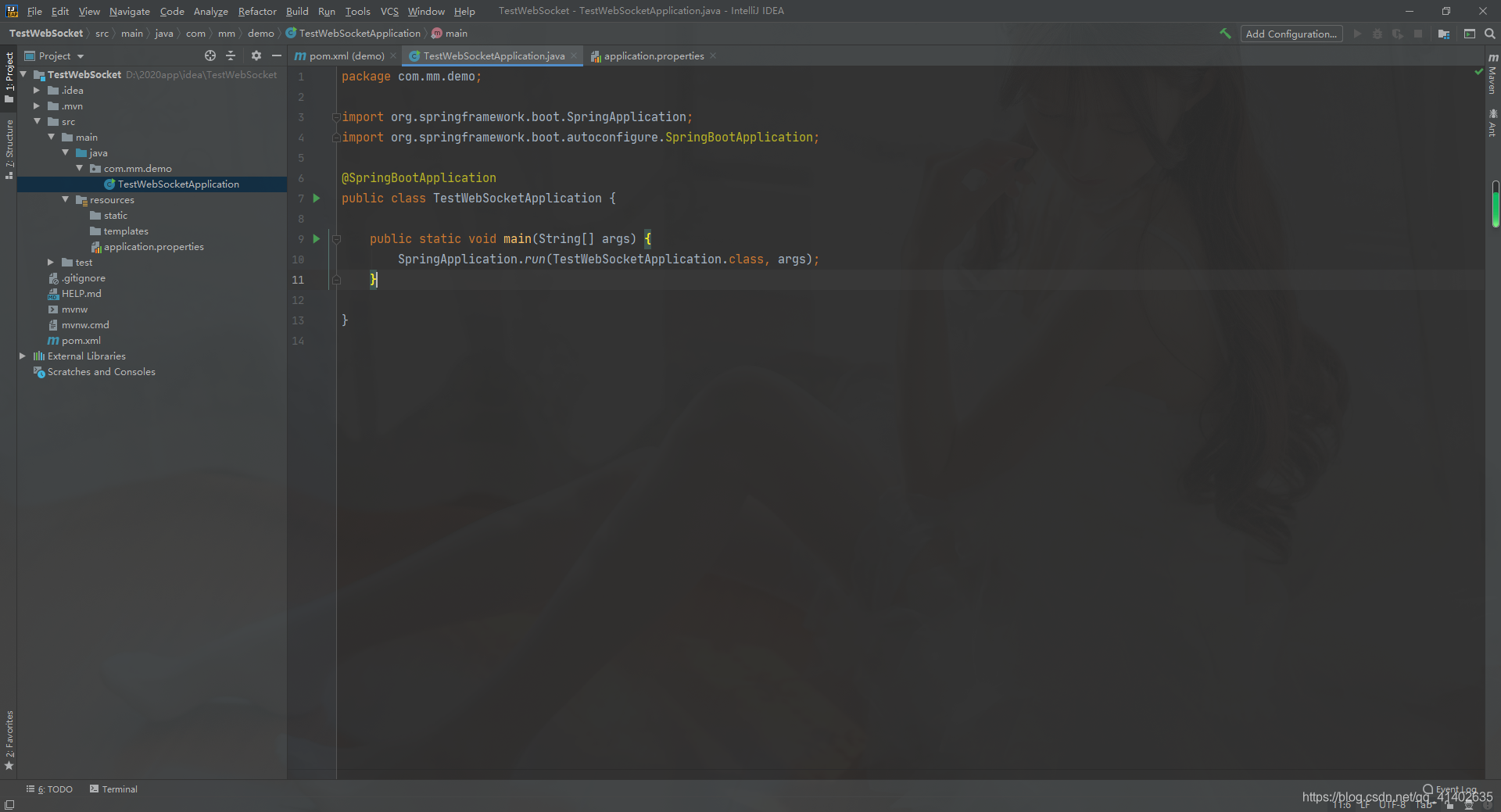
1.搭建Springboot项目、导入相关POM
<dependency><groupId>org.springframework.boot</groupId><artifactId>spring-boot-starter-websocket</artifactId></dependency>
2.编辑application.yml
server:port: 81
spring:thymeleaf:cache: falseencoding: UTF-8mode: LEGACYHTML5prefix: classpath:/templates/suffix: .htmlcheck-template-location: truedevtools:restart:enabled: truemvc:static-path-pattern: /static/**
3.编辑ws.js文件
(function($) {//打开连接$.connect = function(url) {// 自动处理前缀var protocol = (window.location.protocol == 'http:') ? 'ws:' : 'wss:';this.host = protocol + url;window.WebSocket = window.WebSocket || window.MozWebSocket;if (!window.WebSocket) { // 检测浏览器支持this.error('Error: WebSocket is not supported .');return;}// 创建连接this.socket = new WebSocket(this.host);// 注册响应函数 onopen, onmessage, onclose, onerrorthis.socket.onopen = function() {$.onopen();};this.socket.onmessage = function(message) {$.onmessage(message);};this.socket.onclose = function() {$.onclose();$.socket = null;};this.socket.onerror = function(errorMsg) {$.onerror(errorMsg);}return this;}//自定义异常函数$.error = function(errorMsg) {this.onerror(errorMsg);}//消息发送$.send = function(message) {if (this.socket) {this.socket.send(message);return true;}this.error('please connect to the server first !!!');return false;}//关闭连接$.close = function() {if (this.socket != undefined && this.socket != null) {this.socket.close();} else {this.error("this socket is not available");}}//消息回調$.onmessage = function(message) {console.log("default callback : receive msg : " + message.data);}//链接回调函数$.onopen = function() {console.log("websocket open success !");}//关闭回调$.onclose = function() {console.log("websocket close success !");}//异常回调$.onerror = function() {console.log("error happened !");}})(ws = {});4.编辑webClient.html文件
这边就简简单单一个输入框及发送按钮,就不做啥界面美化哈…
<!DOCTYPE html>
<html lang="en">
<head><meta charset="UTF-8"><title>我是web客户端</title>
</head>
<body>
我是web客户端
<input id="text"/>
<button onclick="sendText()">发送</button></body>
<script type="text/javascript" src="/static/js/jquery-1.11.1.min.js"></script>
<script type="text/javascript" src="/static/js/ws.js"></script>
<script type="text/javascript">
//只局限于本机通讯的话可以localhost,若是局域网访问的话,需更换本机的IPV4地址
var addr="/192.168.0.106:81/websocket"$(function() {reconnect();ws.onmessage = function(msg) {var info=msg.data;console.log("来自服务器的消息:"+info);if(msg.data=="ok"){console.log("心跳检测OK");heartCheck.reset();}}})function reconnect(){console.log("连接中");ws.connect(addr);// 后台接口地址}function sendText(){var msg=$("#text").val();ws.send(msg);}//心跳检测var heartCheck = {timeout: 10000,//10mstimeoutObj: null,serverTimeoutObj: null,reset: function(){clearTimeout(this.timeoutObj);clearTimeout(this.serverTimeoutObj);this.start();},start: function(){var self = this;this.timeoutObj = setTimeout(function(){ws.send("ok");self.serverTimeoutObj = setTimeout(function(){//ws.close();//如果onclose会执行reconnect,我们执行ws.close()就行了.如果直接执行reconnect 会触发onclose导致重连两次}, self.timeout)}, this.timeout)},
}
ws.onopen = function () {console.log("心跳检测开启");heartCheck.start();
};
ws.onclose = function () {console.log("连接关闭");reconnect();
};
ws.onerror = function () {console.log("服务器连接异常,请重试");
};
</script>
</html>
5.编辑WebSocketUtil工具类
实现socket的单发、群发、心跳检测等功能
package com.mm.utils;
import java.io.IOException;
import java.util.ArrayList;
import java.util.Collections;
import java.util.List;
import java.util.concurrent.CopyOnWriteArraySet;import javax.websocket.OnClose;
import javax.websocket.OnError;
import javax.websocket.OnMessage;
import javax.websocket.OnOpen;
import javax.websocket.Session;
import javax.websocket.server.ServerEndpoint;import org.springframework.stereotype.Component;
/*** * @author MWEI Email:574185505@qq.com* @version 2021年06月16日 下午1:50:34 Class Explain 页面js文件调用的websocket访问路径*/
@Component
@ServerEndpoint("/websocket")
public class WebSocketUtil {// 静态变量,用来记录当前在线连接数。应该把它设计成线程安全的。private static int onlineCount = 0;// concurrent包的线程安全Set,用来存放每个客户端对应的MyWebSocket对象。若要实现服务端与单一客户端通信的话,可以使用Map来存放,其中Key可以为用户标识public static CopyOnWriteArraySet<Session> webSockets = new CopyOnWriteArraySet<Session>();/*** 连接建立成功调用的方法* @param session 可选的参数。session为与某个客户端的连接会话,需要通过它来给客户端发送数据*/@OnOpenpublic void onOpen(Session session) {webSockets.add(session);addOnlineCount(); // 在线数加1System.out.println("有新连接加入!当前连接页面为" + getOnlineCount() + " --> " + session.getId());}/*** 连接关闭调用的方法*/@OnClosepublic void onClose(Session session) {webSockets.remove(session);subOnlineCount(); // 在线数减1System.out.println("有一连接关闭!当前连接页面为" + getOnlineCount());}/*** @param message 客户端发送过来的消息* @param session 可选的参数*/@OnMessagepublic void onMessage(String message, Session session) throws IOException {System.out.println("来自客户端的消息:" + message + "\tsession:" + session);if (message.equals("ok")) {// 心跳检测sendToCurr(message, session);} else {sendToAll(message);}}/***  群发消息* @param message*/public static void sendToAll(String message) {for (Session item : webSockets) {try {// System.out.println("发送消息给" + item);item.getAsyncRemote().sendText(message);} catch (Exception e) {e.printStackTrace();continue;}}}/***  发送给当前连接用户* @param message*/public static void sendToCurr(String message,Session session) {session.getAsyncRemote().sendText(message);}/*** 发生错误时调用* * @param session* @param error*/@OnErrorpublic void onError(Session session, Throwable error) {System.out.println("发生错误");error.printStackTrace();}public static synchronized int getOnlineCount() {return onlineCount;}private static synchronized void addOnlineCount() {WebSocketUtil.onlineCount++;}private static synchronized void subOnlineCount() {WebSocketUtil.onlineCount--;}}
6.编辑WebSocketConfig配置类
若是打成war包部署在tomcat中的话不需要这个bean
package com.mm.utils;import org.springframework.context.annotation.Bean;
import org.springframework.context.annotation.Configuration;
import org.springframework.web.socket.server.standard.ServerEndpointExporter;@Configuration
public class WebSocketConfig {@Beanpublic ServerEndpointExporter serverEndpointExporter() {return new ServerEndpointExporter();}
}
7.编辑webController类
实现页面的跳转
package com.mm.controller;
import  org.springframework.stereotype.Controller;
import org.springframework.web.bind.annotation.RequestMapping;@Controller
public class webController {@RequestMapping("/")public String toWebClient() {return "/web/webClient";}
}
8.效果图如下

9.项目结构如下

总结
以上就是今天要讲的内容,本文仅简单介绍了webSocket的使用,感谢支持,谢谢
本文来自互联网用户投稿,文章观点仅代表作者本人,不代表本站立场,不承担相关法律责任。如若转载,请注明出处。 如若内容造成侵权/违法违规/事实不符,请点击【内容举报】进行投诉反馈!