HTML 和 JavaScript 实现飘花的效果
HTML 和 JavaScript 实现飘花的效果,也不算花,就是有悬浮物飘下来,和下雪似的。
也是不需要图片和其他的 js 脚本做辅助,其实已经全写在 HTML 文件中了。
<html>
<head><title>飘花效果title>
head>
<body><canvas id="christmasCanvas"style="top: 0px; left: 0px; z-index: 5000; position: fixed; pointer-events: none;">canvas>
<script>var snow = function () {var b = document.getElementById("christmasCanvas"), a = b.getContext("2d"), d = window.innerWidth,c = window.innerHeight;b.width = d;b.height = c;for (var e = [], b = 0; b < 70; b++) {e.push({x: Math.random() * d, y: Math.random() * c, r: Math.random() * 4 + 1, d: Math.random() * 70})}var h = 0;window.intervral4Christmas = setInterval(function () {a.clearRect(0, 0, d, c);a.fillStyle = "rgba(255, 255, 0, 0.6)";a.shadowBlur = 5;a.shadowColor = "rgba(255, 255, 255, 0.9)";a.beginPath();for (var b = 0; b < 70; b++) {var f = e[b];a.moveTo(f.x, f.y);a.arc(f.x, f.y, f.r, 0, Math.PI * 2, !0)}a.fill();h += 0.01;for (b = 0; b < 70; b++) {if (f = e[b], f.y += Math.cos(h + f.d) + 1 + f.r / 2, f.x += Math.sin(h) * 2, f.x > d + 5 || f.x < -5 || f.y > c) {e[b] = b % 3 > 0 ? {x: Math.random() * d, y: -10, r: f.r, d: f.d} : Math.sin(h) > 0 ? {x: -5,y: Math.random() * c,r: f.r,d: f.d} : {x: d + 5, y: Math.random() * c, r: f.r, d: f.d}}}}, 70)}snow();
script>body>
html>
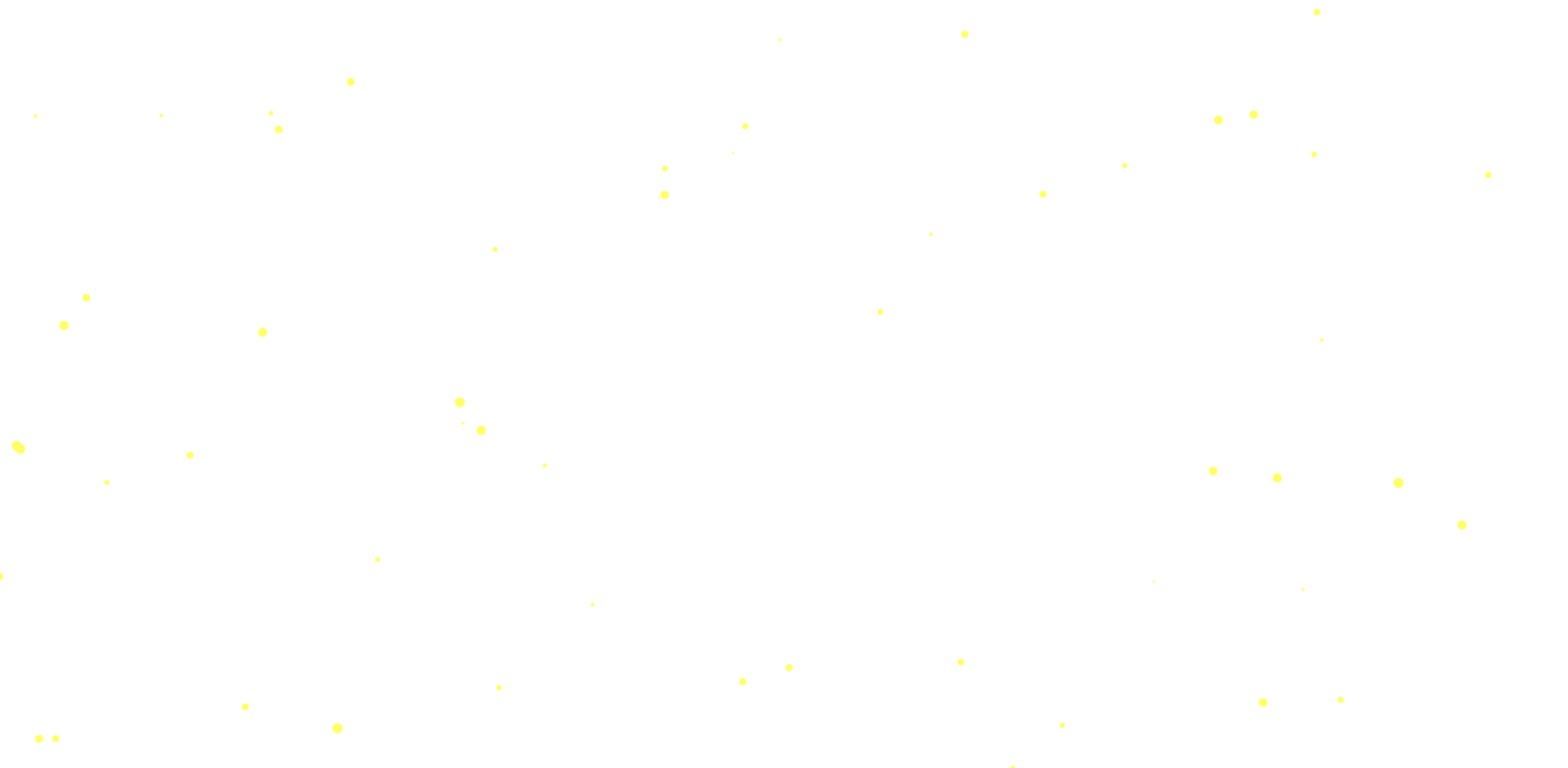
就是下面的效果,有黄色的小圈圈掉下来。能看清吧?
转载于:https://www.cnblogs.com/wjw1014/p/9096505.html
本文来自互联网用户投稿,文章观点仅代表作者本人,不代表本站立场,不承担相关法律责任。如若转载,请注明出处。 如若内容造成侵权/违法违规/事实不符,请点击【内容举报】进行投诉反馈!