安装elasticsearch-head谷歌插件,查询es数据
1.下载elasticsearch-head谷歌插件压缩包
https://gitee.com/bing520/development-tool/tree/master/es-head-master
2.解压如图
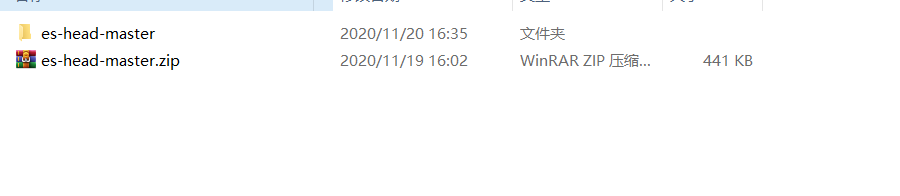
3. 打开谷歌浏览器的拓展程序:
设置–更多攻击–拓展程序
直接讲解压的文件夹拖入拓展程序里边

4. 点进去文件夹将文件后缀改名字 为 rar


5. 在将此解压 ,然后把文件夹拖入拓展程序即可


如果查询数据查不到,报错
{
“error” : “Content-Type header [application/x-www-form-urlencoded] is not supported”,
“status” : 406
}
解决方法: 修改vendor.js文件,最好手写,复制的有时候不管用
1、6886行
contentType: "application/x-www-form-urlencoded
改成
contentType: “application/json;charset=UTF-8”
2、7573行
var inspectData = s.contentType === “application/x-www-form-urlencoded” &&
改成
var inspectData = s.contentType === “application/json;charset=UTF-8” &&
本文来自互联网用户投稿,文章观点仅代表作者本人,不代表本站立场,不承担相关法律责任。如若转载,请注明出处。 如若内容造成侵权/违法违规/事实不符,请点击【内容举报】进行投诉反馈!