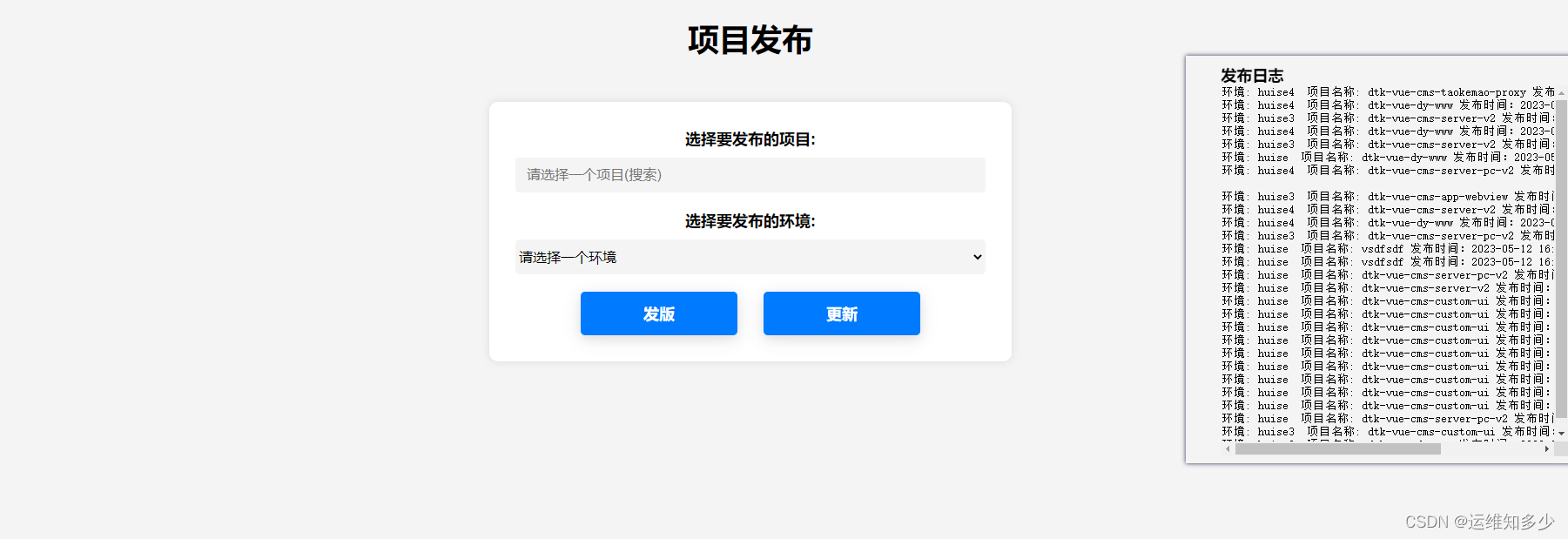
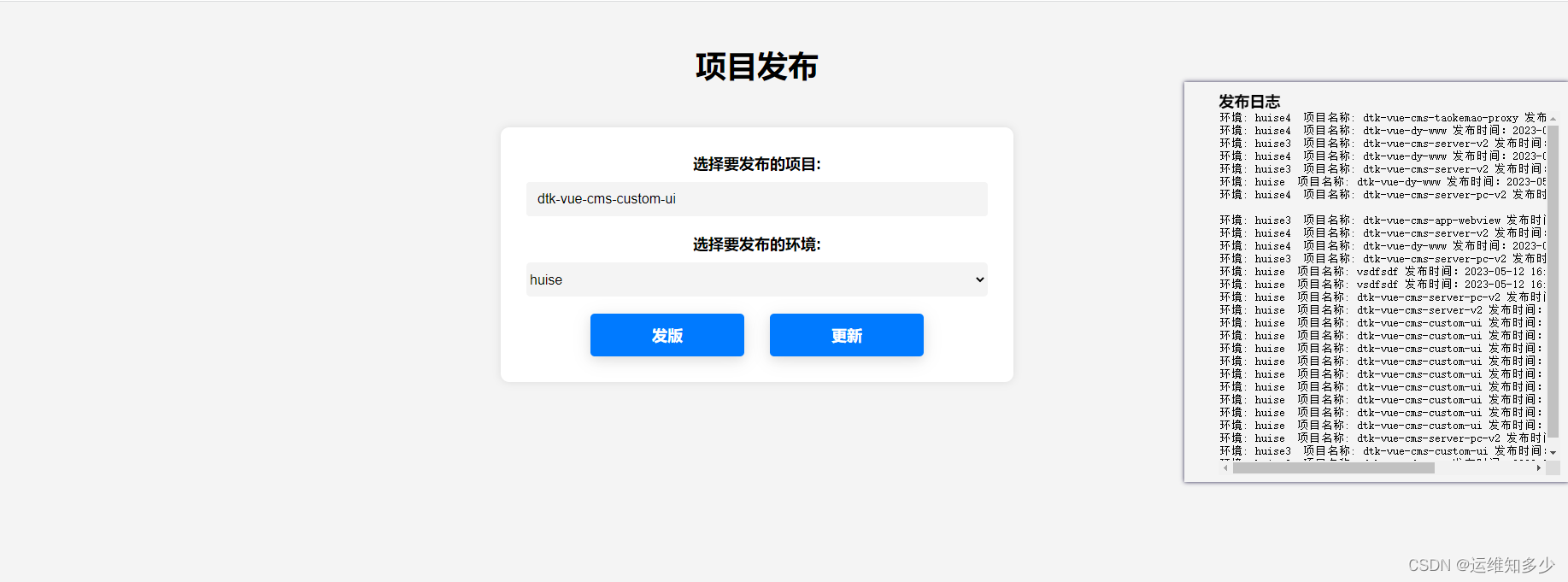
k8s环境huise环境业务镜像同步到线上业务镜像平台
使用场景和原理:
在k8s中,我需要把huise测试完成的镜像发布到线上,为了快快快,所有直接替换镜像。我们环境huise镜像是私有仓库,线上是阿里云仓库所以需要先pull->tag->push-set image
代码仓库地址:imagesrync
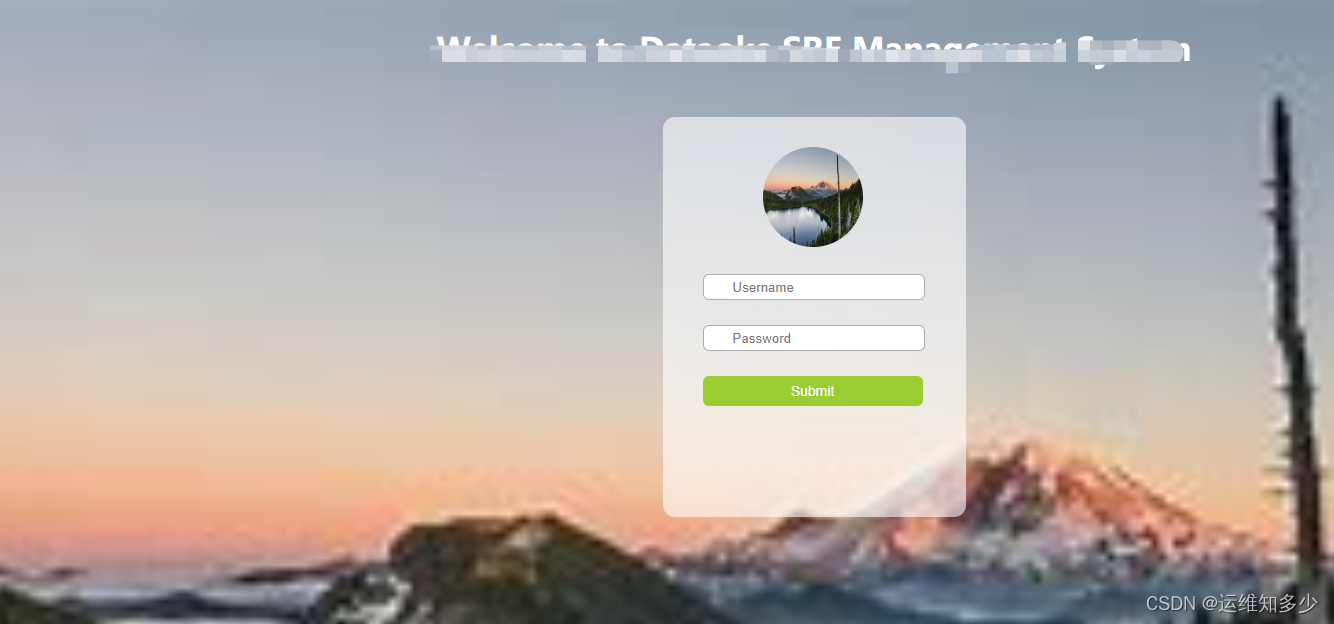
当然我们也是介入了ldap的登录界面的如图:
nginx接入ldap和部署业务配置:
server {listen 80;server_name test.images.com;return 301 https://$host$request_uri;
}server {listen 443    ssl;server_name   test.images.com;access_log    /var/log/nginx/imagesync_access.log json;error_log     /var/log/nginx/imagesync_error.log;ssl_certificate     conf.d/dkcert/test.images.com.pem;ssl_certificate_key conf.d/dkcert/test.images.com.key;location /api/ {proxy_intercept_errors on;auth_request /auth-proxy;#     error_page 401 403 =200 /login;proxy_pass http://192.168.16.30:8082/;  #后端接口}location / {proxy_intercept_errors on;auth_request /auth-proxy;error_page 401 403 =200 /login;root conf/conf.d/images_tongbu_html/;  #前端文件# proxy_read_timeout 90;}#ldap配置location /login {  proxy_pass http://192.168.12.191:9000/login;proxy_set_header  X-Target  $request_uri;
}#ldap配置location = /auth-proxy {internal;proxy_pass http://192.168.12.191:8888;proxy_cache_key "$http_authorization$cookie_nginxauth";proxy_cache_valid 200 403 1m;proxy_pass_request_body  off;proxy_set_header Content-Length "";proxy_set_header X-Ldap-URL "ldap://192.168.14.58:389";proxy_set_header X-Ldap-BindDN "cn=admin,dc=shenhu,dc=com";proxy_set_header X-Ldap-BindPass "lzx123456";proxy_set_header X-Ldap-BaseDN "dc=shenhu,dc=com";proxy_set_header X-CookieName "nginxauth";proxy_set_header Cookie nginxauth=$cookie_nginxauth;}}
nginx接入ldap可自行去配置
本文来自互联网用户投稿,文章观点仅代表作者本人,不代表本站立场,不承担相关法律责任。如若转载,请注明出处。 如若内容造成侵权/违法违规/事实不符,请点击【内容举报】进行投诉反馈!