threejs修改场景天空盒背景图
先来看下效果图~
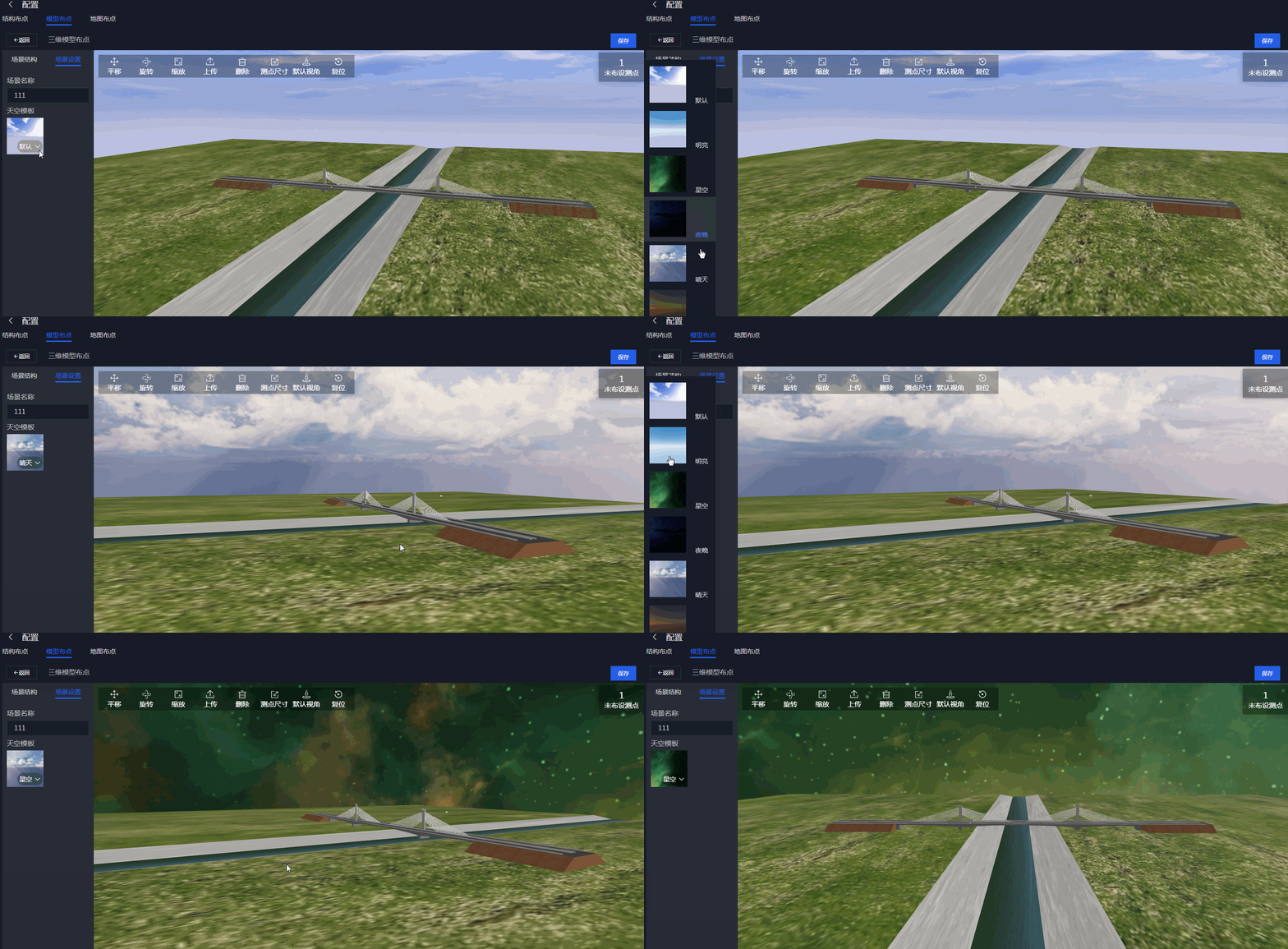
原理
原理其实很简单,我就是设置了scene的background。一句话解释完了。下面看下代码:
let cubeTextureLoader = new THREE.CubeTextureLoader();
cubeTextureLoader.setPath( '/skybox/' );let cubeTexture = cubeTextureLoader.load( ["px.png", "nx.png","py.png", "ny.png","pz.png", "nz.png"
]);
//需要把色彩空间编码改一下,原因我上一篇说过的
cubeTexture.encoding = THREE.sRGBEncodingscene.background = cubeTexture;
切换背景注意事项
切换背景其实很容易,两个步骤:
- 将原本的背景注销掉,主要是避免内存泄漏
scene.background.dispose()
- 将新背景替换上去
let cubeTextureLoader = new THREE.CubeTextureLoader();
cubeTextureLoader.setPath( '/skybox/' );let cubeTexture = cubeTextureLoader.load( ["newpx.png", "newnx.png","newpy.png", "newny.png","newpz.png", "newnz.png"
]);
//需要把色彩空间编码改一下,原因我上一篇说过的
cubeTexture.encoding = THREE.sRGBEncodingscene.background = cubeTexture;
我没有把完整代码贴上来,把原理解释清楚就ok
本文来自互联网用户投稿,文章观点仅代表作者本人,不代表本站立场,不承担相关法律责任。如若转载,请注明出处。 如若内容造成侵权/违法违规/事实不符,请点击【内容举报】进行投诉反馈!