python自动贩卖机可视化
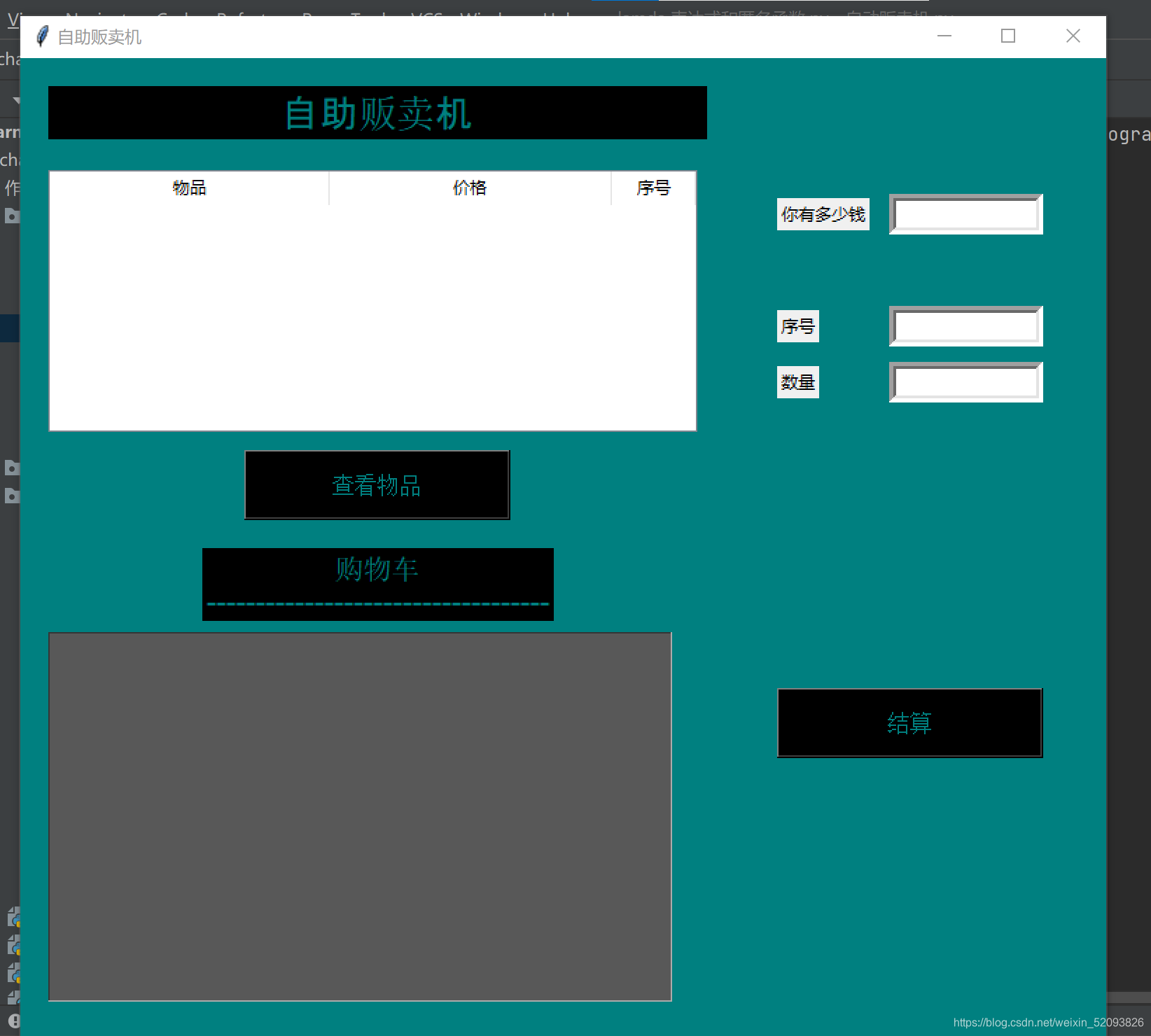
#author@南方人啦
import tkinter as tk
from tkinter import ttkwin = tk.Tk()
win['bg'] = 'teal'
win.title('自助贩卖机')
win.geometry('775x750')tk.Label(win, text='自助贩卖机', width=29,bg='black', fg='teal',font=('Arial', 20)).place(x=20, y=20)
goods = ['矿泉水', '橙汁', '香烟', '纸巾', '早餐奶', '面包', '方便面', '口香糖']
price = [1, 3.5, 20, 2, 3, 4, 4.5, 3]
xu_hao = [1, 2, 3, 4, 5, 6, 7, 8]
# 你的钱
tk.Label(win, text='你有多少钱').place(x=540, y=100)
# 你的钱输出框
Money = tk.Entry(win, bd=5, width=14)
Money.place(x=620, y=97)# 序号
tk.Label(win, text='序号').place(x=540, y=180)
# 序号输入框
ent_xuhao = tk.Entry(win, bd=5, width=14)
ent_xuhao.place(x=620, y=177)# 数量
tk.Label(win, text='数量').place(x=540, y=220)
# 数量输入框
ent_quantity = tk.Entry(win, bd=5, width=14)
ent_quantity.place(x=620, y=217)# 购物车输出框
txt_Text = tk.Text(win, bg='#585858', fg='teal', width=63,height=20)
txt_Text.place(x=20, y=410)# 创建表格
table_head = ('foods', 'price', 'xu_hao')
table_main = ttk.Treeview(win, height=8, show='headings', columns=table_head)# 设置表头
table_main.heading('foods', text='物品')
table_main.heading('price', text='价格')
table_main.heading('xu_hao', text='序号')
# 设置位置
table_main.place(x=20, y=80)
# 设置文字对齐
table_main.column('foods', width=200, anchor='center')
table_main.column('price', width=200, anchor='center')
table_main.column('xu_hao', width=60, anchor='center')str_name = '你要购买的物品'
str_price = '你需要支付的金额'
str_rest = '你剩余的金额为'# 查看物品函数
def table():for i in range(len(price)):table_main.insert('', i, values=(goods[i], price[i], xu_hao[i]))def main():# global str_name, str_pricequantity = int(ent_quantity.get())xuhao = int(ent_xuhao.get())money = int(Money.get())if xuhao < 1 or xuhao > 8:tk.Label(win, text='输入有误,请输入1-8之间的序号').place(x=540, y=260)Total_price = quantity*price[xuhao-1]if money < Total_price:tk.Label(win, text='抱歉,钱不够哦\n请你点击''退出''  ', width=20, height=10, font=('Arial', 30), bg='teal', fg='red').place(x=40, y=100)butt_close = tk.Button(win, text='退出', bd=10, width=15, height=3, command=close)butt_close.place(x=200, y=450)else:txt_Text.insert('end', str_name.ljust(20, '-') + str(goods[xuhao - 1]) + '\n')txt_Text.insert('end', str_price.ljust(19, '-') + str(Total_price) + '\n')txt_Text.insert('end', str_rest.ljust(20, '-')+str(money-Total_price)+'\n')txt_Text.insert('end', '欢迎下次光临!'+'\n')def close():win.destroy()# 展示物品按钮
butt_table = tk.Button(win, text='查看物品', height=2, font=("Arial", 12), width=20, bg='black', fg='teal', command=table)
butt_table.place(x=160, y=280)
# 结算按钮
butt_main = tk.Button(win, text='结算', height=2, font=("Arial", 12), width=20, bg='black', fg='teal', command=main)
butt_main.place(x=540, y=450)# 购物车标题
tk.Label(win, text='购物车\n-----------------------------------', font=('Arial', 15),bg='black', fg='teal').place(x=130, y=350)win.mainloop()
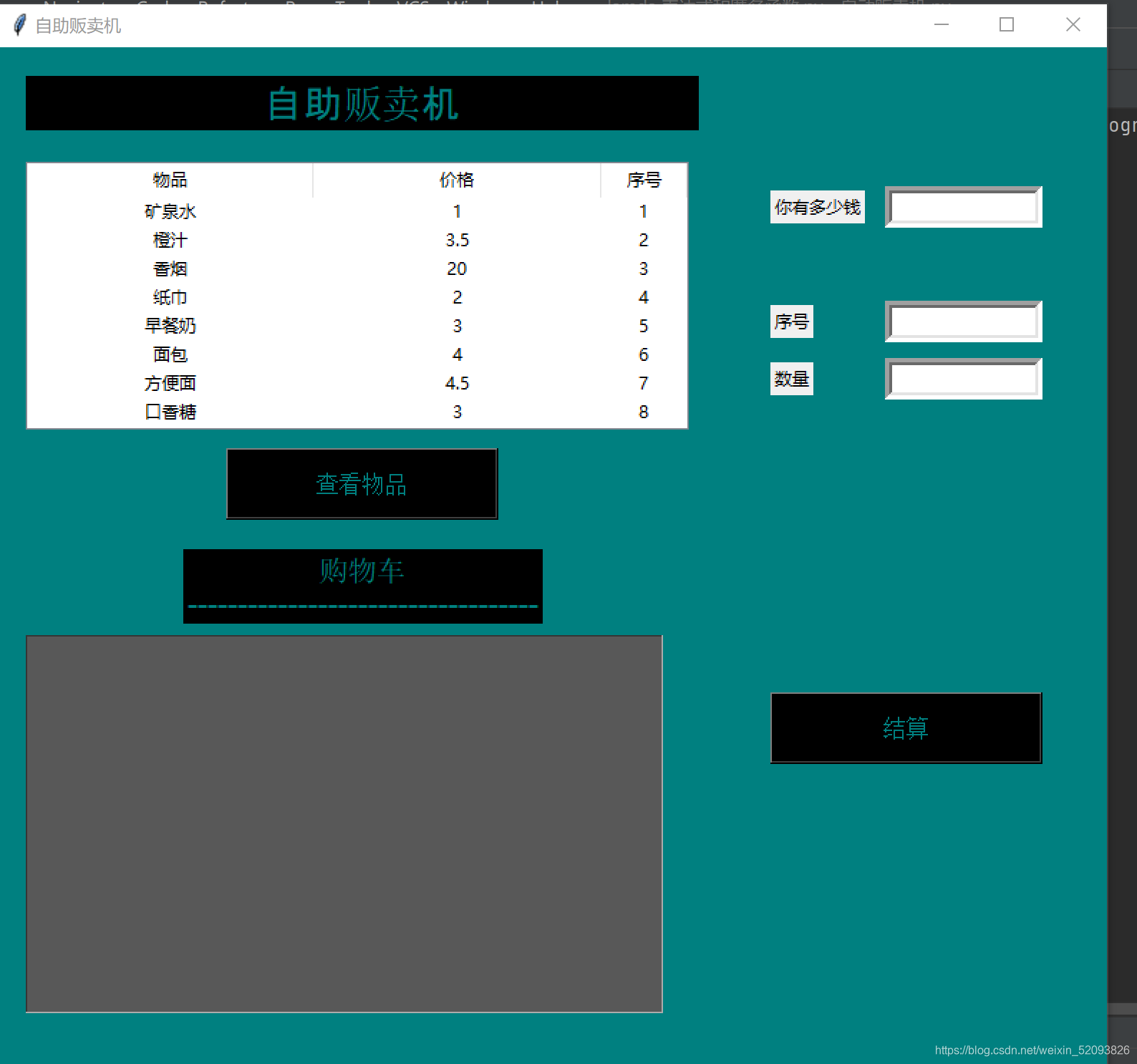
可查看商品
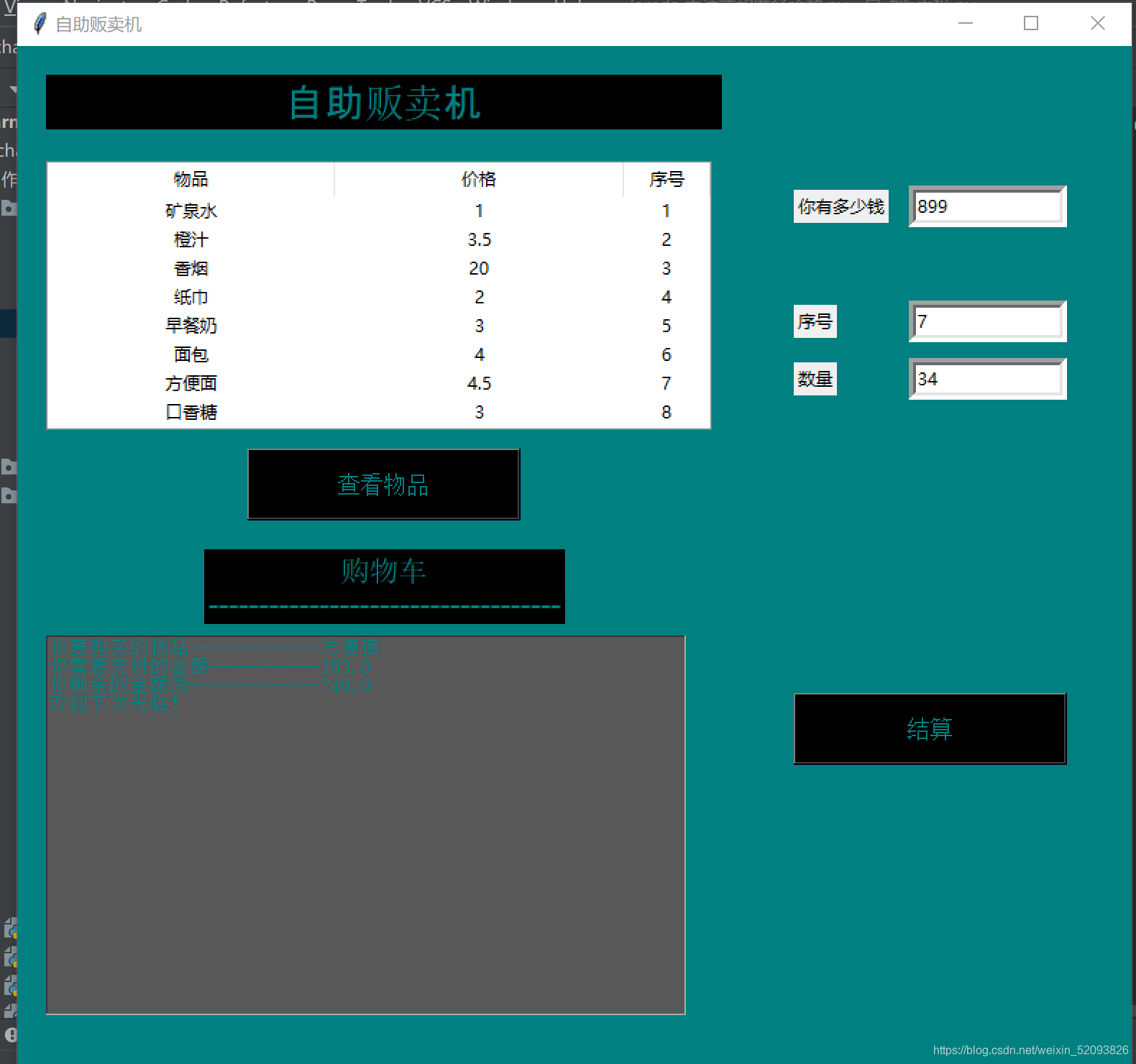
点结算
本文来自互联网用户投稿,文章观点仅代表作者本人,不代表本站立场,不承担相关法律责任。如若转载,请注明出处。 如若内容造成侵权/违法违规/事实不符,请点击【内容举报】进行投诉反馈!