这段时间开发了一个智能对话的微信小程序,下面就把这个介绍一下。0.介绍界面:对话:功能:目前支持闲聊,问时间,问天气,算24点,单位换算,汇率查询,邮政编码,笑话,故事,算数功能。1.智能对话接口首先是对话 ...
0.介绍 界面:
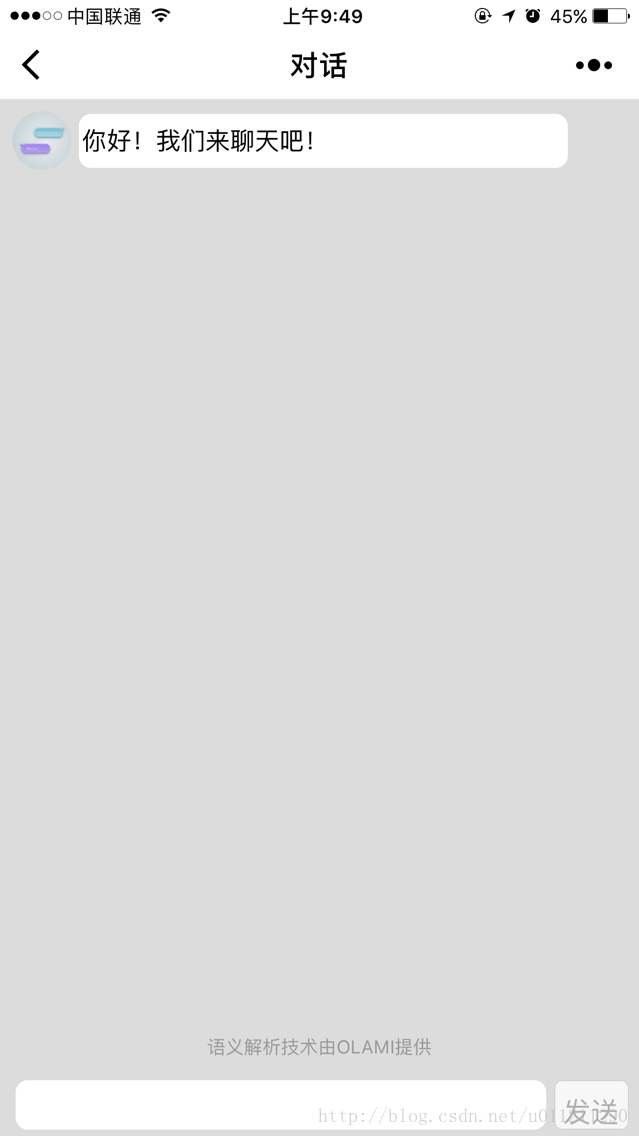
对话:
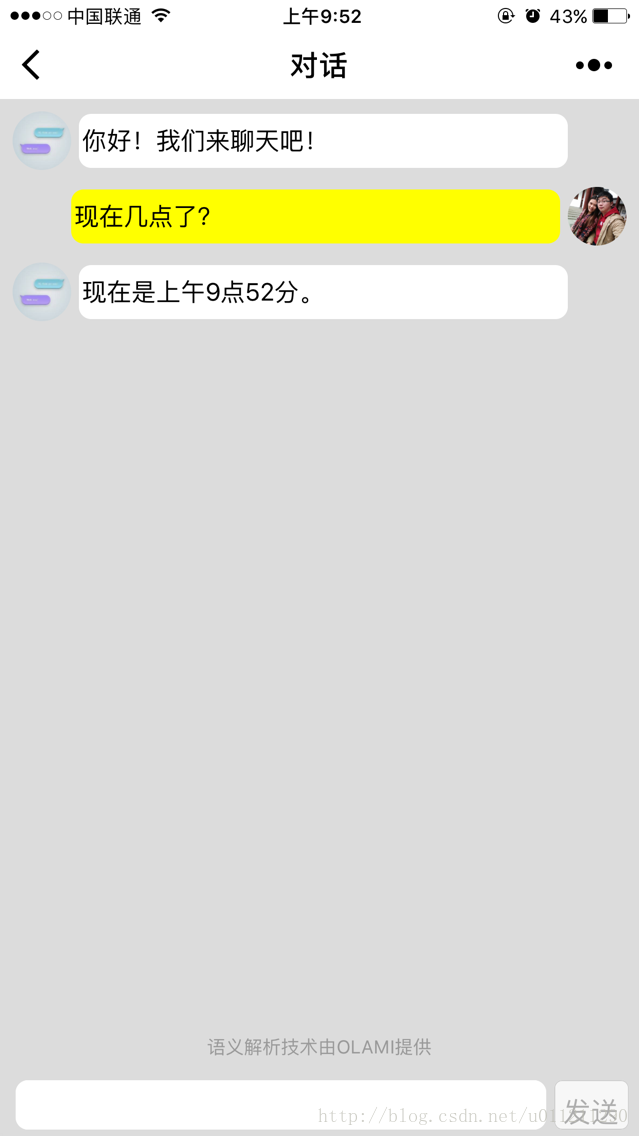
功能:目前支持闲聊,问时间,问天气,算24点,单位换算,汇率查询,邮政编码,笑话,故事,算数功能。 1.智能对话接口 首先是对话的接口,用的是OLAMI的接口,可以自己定义需要的对话,也有系统提供的对话模块。
对话模块定义好之后,查看API文档,将对话通过API发送之后就可以得到回答。 API调用代码 NLIRequest:function(corpus,arg) { // corpus是要发送的对话;arg是回调方法var that = this;// appkeyvar appkey = that.globalData.NLPAppkey;// appsecretvar appSecret = that.globalData.NLPAppSecret;var api = "nli";var timestamp = new Date().getTime();// MD5签名var sign = MD5.md5(appSecret + "api=" + api + "appkey=" + appkey + "timestamp=" + timestamp + appSecret);var rqJson = { "data": { "input_type": 1, "text": corpus }, "data_type": "stt" };var rq = JSON.stringify(rqJson);var nliUrl = that.globalData.NLPUrl;// cusid是用来实现上下文的,可以自己随意定义内容,要够长够随机var cusid = that.globalData.NLPCusid;console.log("[Console log]:NLIRequest(),URL:" + nliUrl);wx.request({url: nliUrl,data: {appkey: appkey,api: api,timestamp: timestamp,sign: sign,rq: rq,cusid: cusid,},header: { 'content-type': 'application/x-www-form-urlencoded' },method: 'POST',success: function (res) {var resData = res.data;console.log("[Console log]:NLIRequest() success...");console.log("[Console log]:Result:");console.log(resData);var nli = JSON.stringify(resData);// 回调函数,解析数据typeof arg.success == "function" && arg.success(nli);},fail: function (res) {console.log("[Console log]:NLIRequest() failed...");console.error("[Console log]:Error Message:" + res.errMsg);typeof arg.fail == "function" && arg.fail();},complete: function () {console.log("[Console log]:NLIRequest() complete...");typeof arg.complete == "function" && arg.complete();}})}
2.对话内容显示 前端显示代码 {{item.text}}{{item.text}}{{item.url}}
【1】scroll-into-view=”{{scrolltop}}”是将对话滚动到最新位置,在js中把最新的id赋给scrolltop,页面会自动滚动到指定位置。
【2】chatList存储对话内容,循环渲染对话框。orientation是左右位置,左边是答案,右边是用户输入。
【3】userLogoUrl是用户头像的url,如果用户不授权使用用户公开信息,则使用默认的用户头像。 最后 其他的内容就是一些判断以及解析数据。 源代码地址:https://pan.baidu.com/s/1eSvjbQa |
转载于:https://my.oschina.net/u/3396785/blog/1511635
本文来自互联网用户投稿,文章观点仅代表作者本人,不代表本站立场,不承担相关法律责任。如若转载,请注明出处。 如若内容造成侵权/违法违规/事实不符,请点击【内容举报】进行投诉反馈!
