项目1:高级简历
完成过程中所遇到的问题
day1
图片失真问题
image-rendering
div居中定位
外部文字形式下载引入
https://www.cnblogs.com/xiugeng/p/10954637.html
Foreign look > Chinese, Jpn fonts | dafont.com
图标下载及引入
day2
文档流,div重叠(常见的脱离文档流的方法有position定位和float浮动两种)
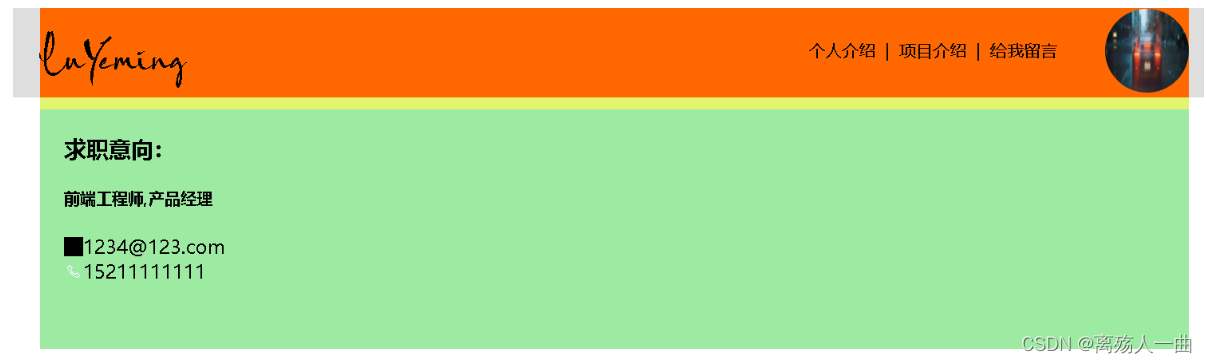
①“替死鬼”法
制作多一个div(即div3)来代替div2,使得这个新制作出来的div3来填补这个文档流的缺漏(为脱离文档流的div1填补)。
不单单制作出来div3出来后就算了,还要设置他的高度height为div1的高度。这样子就好像恢复如初,回到最初的未改变文档流一样!(嘻嘻,障眼法)
原文链接:https://blog.csdn.net/qq_40421277/article/details/79687761
css清除浮动
day3
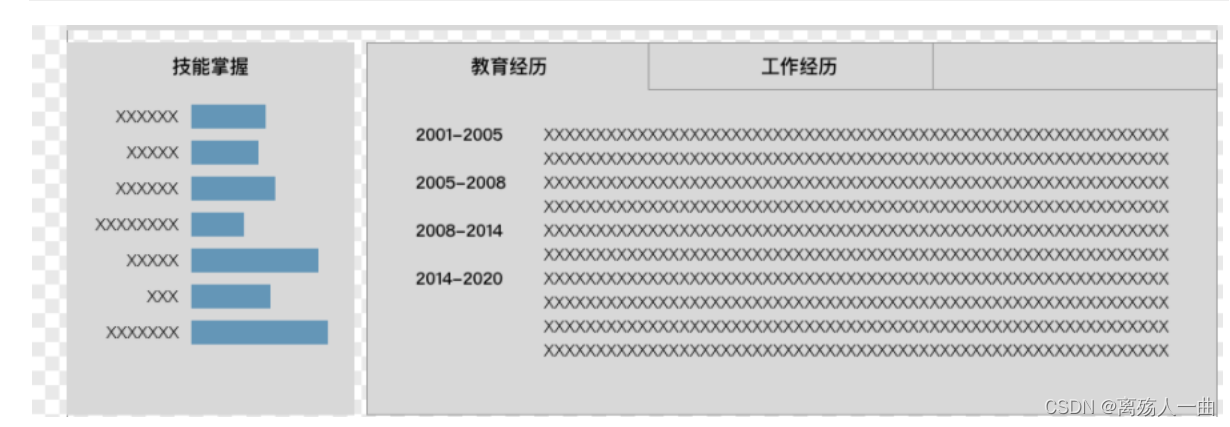
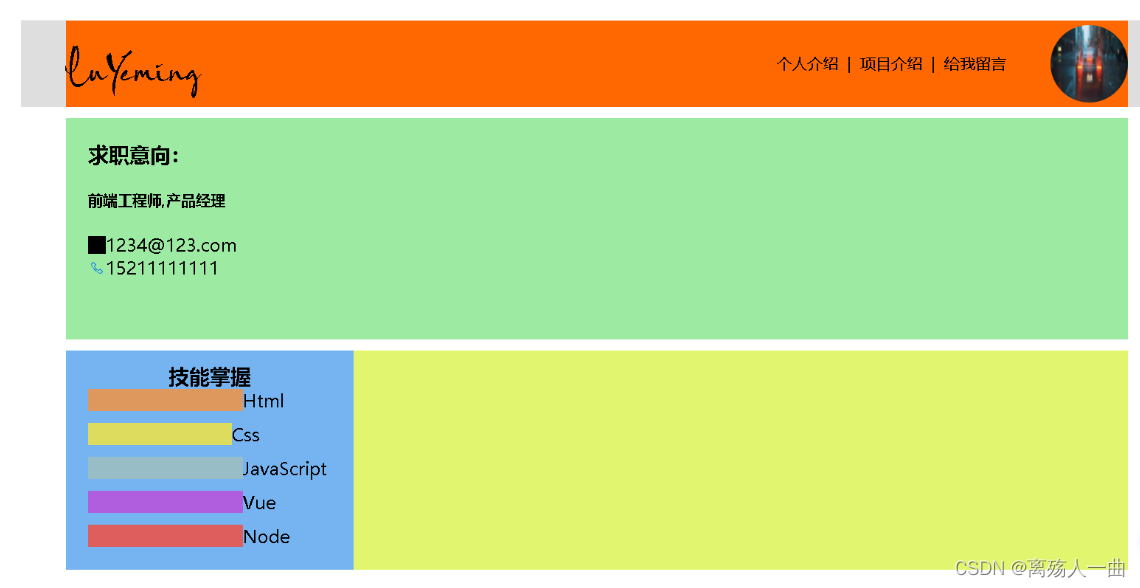
- 在每个li中加入div,无法实现效果
<div class="skill-exper"><div class="left-skill"><h3>技能掌握h3><div class="detail"><ul><li>Html<div class="sp1">div>li><li>Css<div class="sp2">div>li><li>JavaScript<div class="sp3">div>li><li>Vue<div class="sp4">div>li><li>Node<div class="sp5">div>li>ul>div>div><div class="right-experience">div>div>
.skill-exper {width: 960px;height: auto;margin: 0 auto;background-color: rgb(225, 245, 111);
}.left-skill {width: 240px;padding: 10px;margin-right: 10px;background-color: rgb(117, 180, 240);
}.left-skill .detail {text-align: left;overflow: auto;
}.left-skill h3 {text-align: center;}.left-skill .detail li {list-style-type: none;margin-bottom: 10px;
}.left-skill .detail .sp1 {float: left;width: 140px;margin-left: 10px;height: 20px;background-color: rgb(222, 152, 94);
}.left-skill .detail .sp2 {float: left;margin-left: 10px;width: 130px;height: 20px;background-color: rgb(222, 220, 94);
}.left-skill .detail .sp3 {float: left;margin-left: 10px;width: 140px;height: 20px;background-color: rgb(152, 189, 199);
}.left-skill .detail .sp4 {float: left;margin-left: 10px;width: 140px;height: 20px;background-color: rgb(177, 94, 222);
}.left-skill .detail .sp5 {float: left;margin-left: 10px;width: 140px;height: 20px;background-color: rgb(222, 94, 94);
}
- 将左侧文字内容和右侧条形图分为两个div
<div class="detail"><ul class="right-graph"><li><div class="sp1">div>li><li><div class="sp2">div>li><li><div class="sp3">div>li><li><div class="sp4">div>li><li><div class="sp5">div>li>ul><ul class="left-text"><li>Htmlli><li>Cssli><li>JavaScriptli><li>Vueli><li>Nodeli>ul>div>
文字右对齐
![[外链图片转存失败,源站可能有防盗链机制,建议将图片保存下来直接上传(img-r8RE8zxI-1660204115061)(C:\Users\LYM\AppData\Roaming\Typora\typora-user-images\1658995095434.png)]](https://img-blog.csdnimg.cn/727b9471e37a4a409646b7f432f35b63.png)
text-align:right
day4
点赞及取消点赞问题
首先通过js获取当前点击的元素
方法1:
<div class="test" onclick="fun(event)"></div>function fun(e){var tar = e.targetconsole.log(tar)
}
方法2:
<div class="test" onclick="fun(this)"></div>function fun(obj){console.log(obj)
}
然后编写dianZan函数,在点击❤后,对其颜色进行判断,若为空,说明未点赞,将其颜色设置为红色,若为red,说明已点赞,将其颜色设置为空

同时在点击超链接时,会触发超链接的默认跳转行为,需要组织其进行跳转
方法1:
DOCTYPE html>
<html lang="en">
<head><meta charset="UTF-8"><meta http-equiv="X-UA-Compatible" content="IE=edge"><meta name="viewport" content="width=device-width, initial-scale=1.0"><title>Documenttitle>
head>
<body><a href="javascript:void(0);">超链接a>
body>
html>
方法2:
DOCTYPE html>
<html lang="en">
<head><meta charset="UTF-8"><meta http-equiv="X-UA-Compatible" content="IE=edge"><meta name="viewport" content="width=device-width, initial-scale=1.0"><title>Documenttitle>
head>
<body><a href="javascript:;">超链接a>
body>
html>
方法3:
DOCTYPE html>
<html lang="en">
<head><meta charset="UTF-8"><meta http-equiv="X-UA-Compatible" content="IE=edge"><meta name="viewport" content="width=device-width, initial-scale=1.0"><title>Documenttitle>
head>
<body><a href="https://www.baidu.com">百度a><script>var link = document.querySelector("a");link.addEventListener('click',function(e){e.preventDefault();})script>
body>
html>
方法4:
DOCTYPE html>
<html lang="en">
<head><meta charset="UTF-8"><meta http-equiv="X-UA-Compatible" content="IE=edge"><meta name="viewport" content="width=device-width, initial-scale=1.0"><title>Documenttitle>
head>
<body><a href="https://www.baidu.com">百度a><script>var link = document.querySelector("a");link.onclick = function (e) {return false;}script>
body>
html>
function dianZan(e){// 获取a标签下的span元素,在ie678中没有firstElementChildvar child=e.firstElementChild;if(child.style.color==""){child.style.color="red";}else{child.style.color="";}
}
day5
text-align无法实现水平居中
.footer{margin-top: 10px;width: 100%;height: 120px;line-height: 120px;background-color: rgb(148, 146, 146);text-align: center;
}
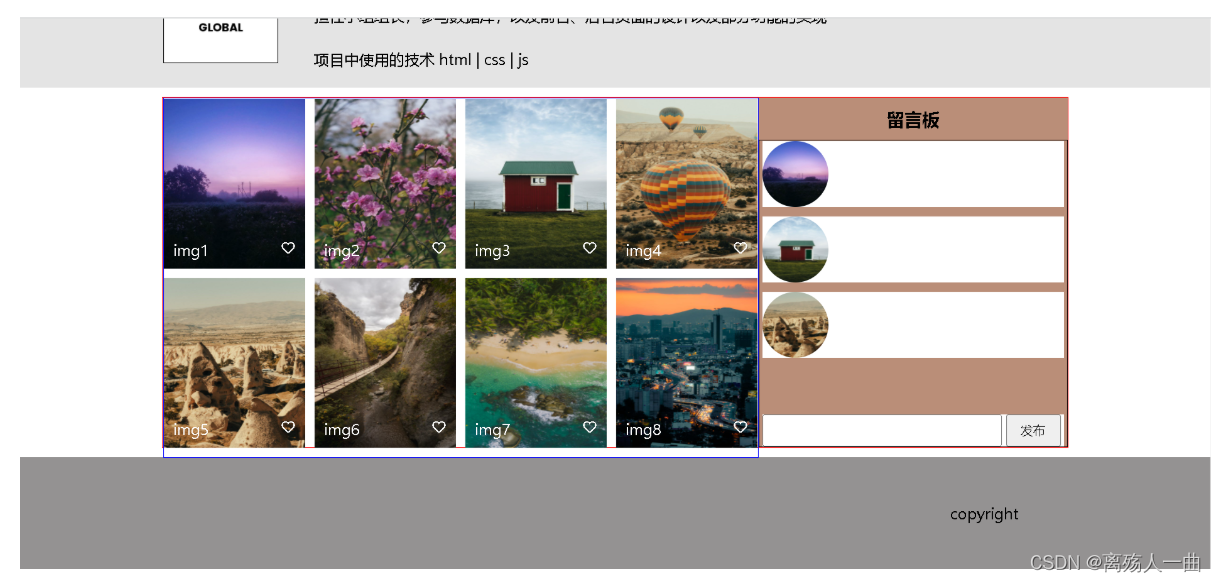

.footer{margin-top: 10px;width: 100%;height: 120px;line-height: 120px;background-color: rgb(148, 146, 146);text-align: center;display: inline-block;
}
将元素设置为display:inline-block


day6
设置当内容超出div宽高,出现滚动条
![[外链图片转存失败,源站可能有防盗链机制,建议将图片保存下来直接上传(img-jvsSXwox-1660204115078)(C:\Users\LYM\AppData\Roaming\Typora\typora-user-images\1660048887617.png)]](https://img-blog.csdnimg.cn/db69964484d94dcb861bcd832c8bfdfc.png)
当内容超出div时,自动出现滚动条的条件
- 内容必须在div中
- div要设置宽高
- overflow设置为auto
注:
- overflow:auto;当内容宽度超出div宽度,或者内容高度超出div宽度,或者同时超出,会自动出现水平、或者垂直、或者水平和垂直滚动条。
- overflow-x:auto;当内容宽度超出div宽度,自动出现水平滚动条
- overflow-y:auto;当内容宽度超出div高度,自动出现垂直滚动条
原文链接:https://blog.csdn.net/cccmercy/article/details/79063182
day7
让一个子元素相对于父元素固定定位
![[外链图片转存失败,源站可能有防盗链机制,建议将图片保存下来直接上传(img-yFPo6Bwc-1660204115080)(C:\Users\LYM\AppData\Roaming\Typora\typora-user-images\1660050447280.png)]](https://img-blog.csdnimg.cn/7def070cbbdf42fb87eb5a8ae89aca60.png)
需要将input输入框以及button按钮固定在留言板下方,position:fixed是相对于页面,无法实现效果
在项目中,遇到了一个场景,需要实现相对于父元素的fixed定位:在父元素内拖动滚动条时,"fixed"定位的元素不能滑动,在外层拖动滚动条时,父元素及父元素内的所有元素跟着一起滑动。但是position: fixed是相对于窗口进行的定位,不能直接实现我们需要的效果。我们想让特定子元素相对于父元素"fixed"定位,也就是说,剩余的子元素不定位。那我们可以分开来想,如果添加一个祖先元素assistor,有两个祖先元素,一个用于辅助定位,一个用于包裹不定位的内容,这个问题不就解决了吗?实质上是child相对于assistor进行absolute定位,parent内的内容自己负责展示。只要assistor和parent一样大,看起来就像是子元素child相对于父元素parent固定定位了。具体原理是position: absolute;的元素会相对于第一个设置了position: relative;的祖先元素进行定位,我们将assistor设置为position: reletive;,滚动条是在parent中的,这样"fixed"定位和parent内的内容滚动就都实现了。
原文链接:https://blog.csdn.net/weixin_41829196/article/details/121857401
<div class="assistor"><div class="parent"><div class="child">固定定位区域div><div class="placeholder">内容区域div>div>div>
.assistor {position: relative; /*关键点*/display: block;width: 500px;height: 300px;margin: 100px auto 0 auto;background-color: #ddd;
}.parent {width: 500px;height: 300px;background-color: #888;overflow: auto; /*关键点*/
}.child {position: absolute; /*关键点*/width: 120px;height: 120px;margin: 100px 50px;background-color: #333;color:#fff;
}.placeholder {width: 1000px;height: 1000px;color:#fff;
}![[外链图片转存失败,源站可能有防盗链机制,建议将图片保存下来直接上传(img-vzPcK60Z-1660204115083)(C:\Users\LYM\AppData\Roaming\Typora\typora-user-images\1660050424384.png)]](https://img-blog.csdnimg.cn/94ded49223f94b238d1ac6863f942ac1.png)
本文来自互联网用户投稿,文章观点仅代表作者本人,不代表本站立场,不承担相关法律责任。如若转载,请注明出处。 如若内容造成侵权/违法违规/事实不符,请点击【内容举报】进行投诉反馈!