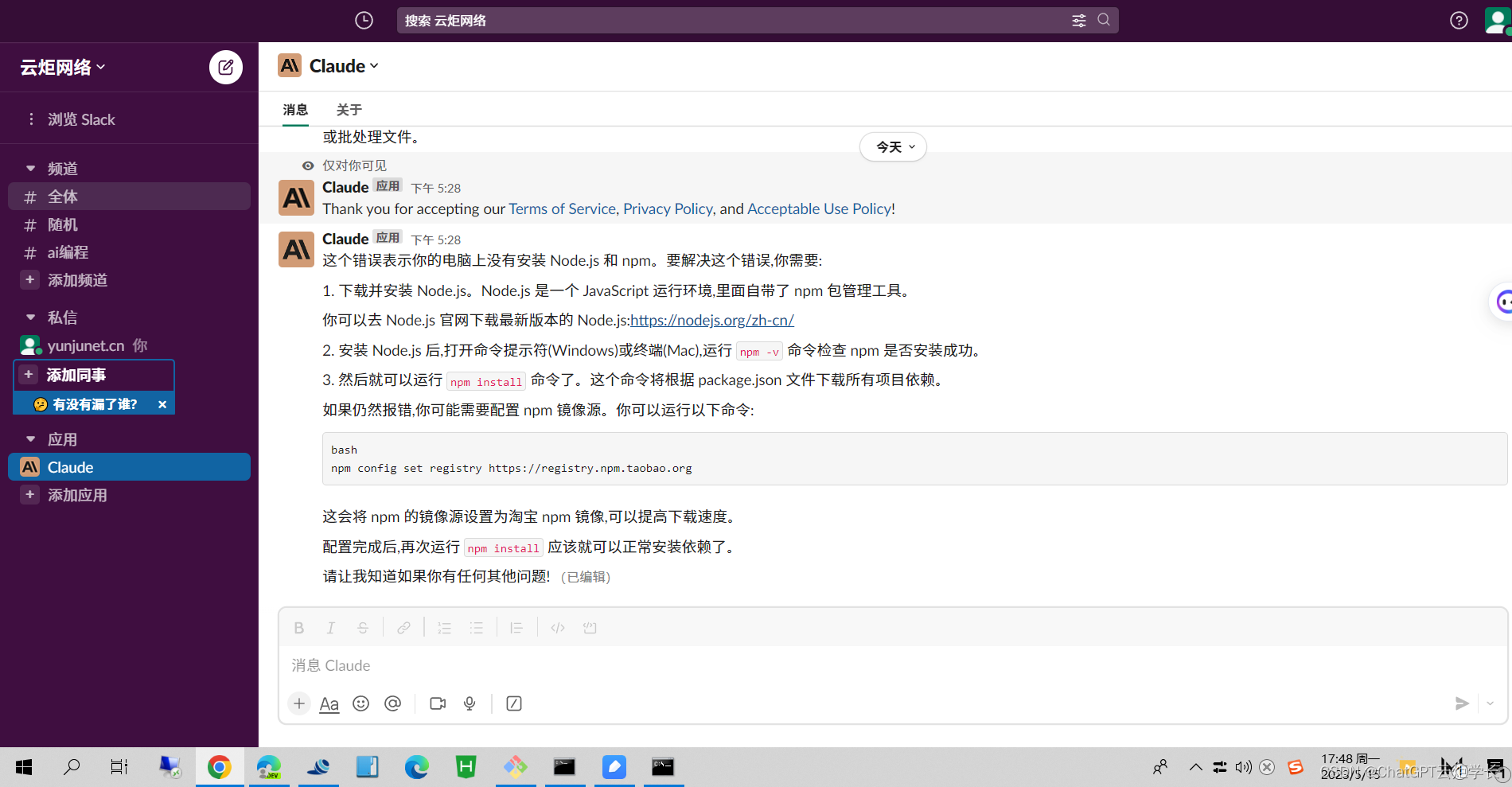
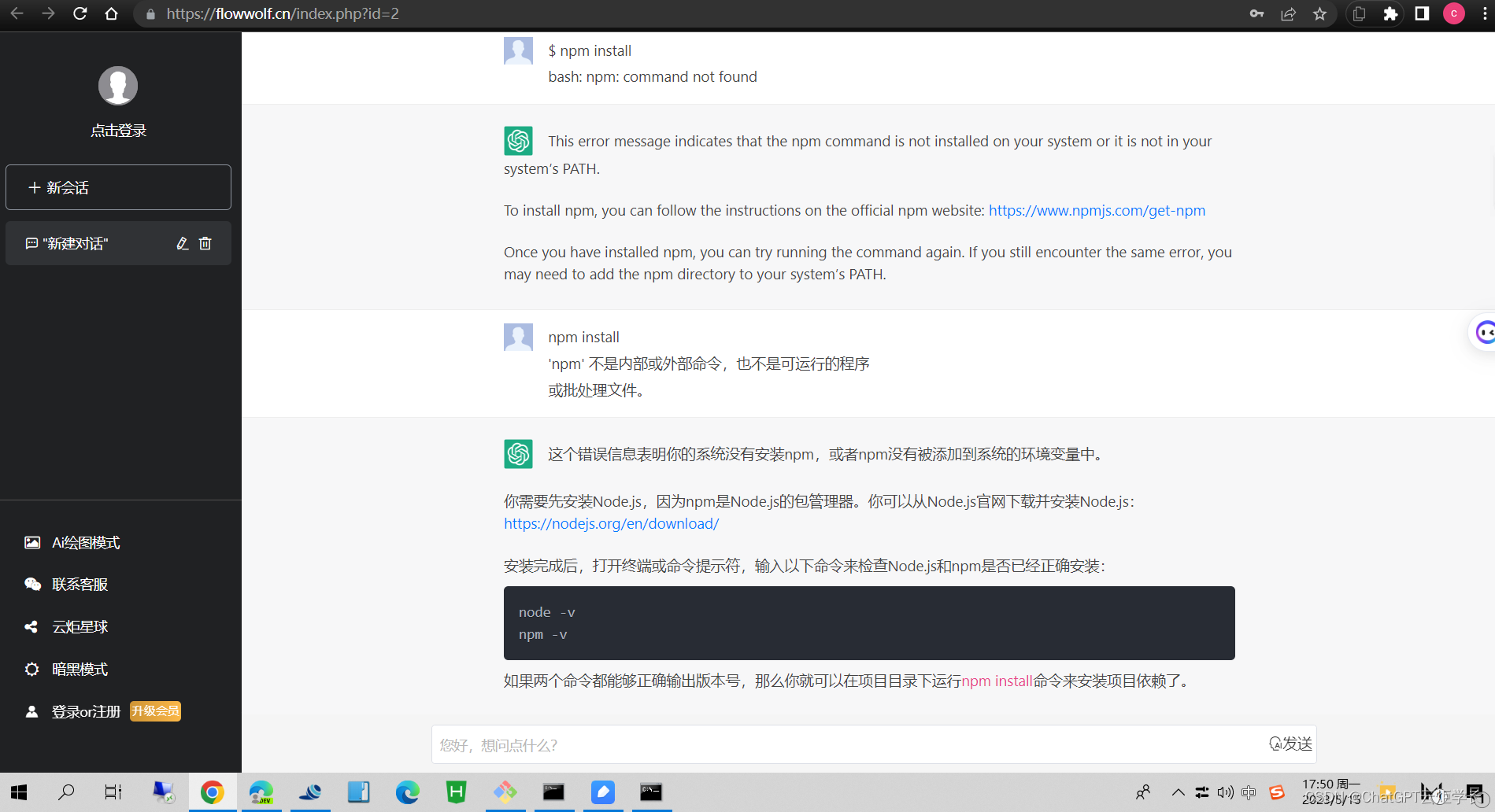
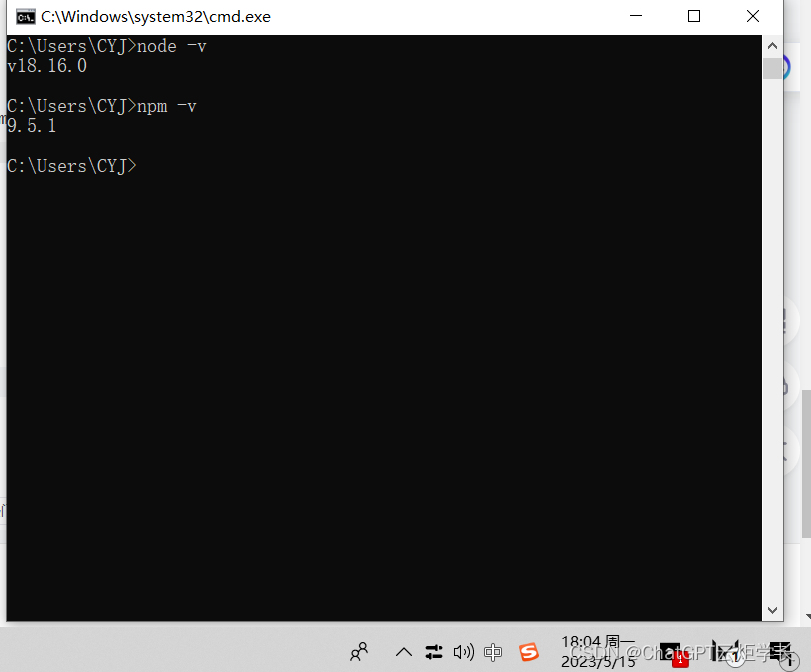
The error message "bash: npm: command not found" means that the npm command is not installed on your system. To install npm, follow these steps:1. Open a terminal window.
2. Run the following command:```
curl -sL https://deb.nodesource.com/setup_16.x | sudo -E bash -
```3. This will install the Node.js 16.x APT repository.
4. Run the following command to install npm:```
sudo apt install npm
```5. Once npm is installed, you can verify the installation by running the following command:```
npm -v
```This should output the version of npm that is installed on your system.If you are still getting the error message "bash: npm: command not found" after following these steps, you may need to restart your computer.