JS插件开发 - GIS地图打点视图展示
昨天,我下班之后和三哥们儿一起喝酒,喝着喝着就喝高了,于是大家开始聊人生,谈理想,轮到我的时候我说我的理想就是和我爸一样月薪10万,当时他们都惊呆了说:“没看出来了,没想到你也是个富二代”。 误会误会大家都误会了,我爸的理想也是月薪10万。ㄟ(▔,▔)ㄏ
这个人呐,活着就得有个盼头,太早达到月薪10万对于我来说并不是一件好事儿,太容易满足了,生活就会变得索然无味,虽然我距离月薪10万还差9万9,
不逼逼了,早点水完这篇博文,向着月薪10完迈出沉重的“一小步”
Start
我们部门没有UI小美眉,本来有的,被其他部门的帅哥给挖走了,现在导致我们部门上班就跟上坟一样压抑。
咳咳,扯远了
项目经理貌似对项目的UI也看不下去了,让我重新开发
项目原本的GIS视图实在是太丑了,对我这种颜值爆表的小鲜肉来说是绝对不被允许的
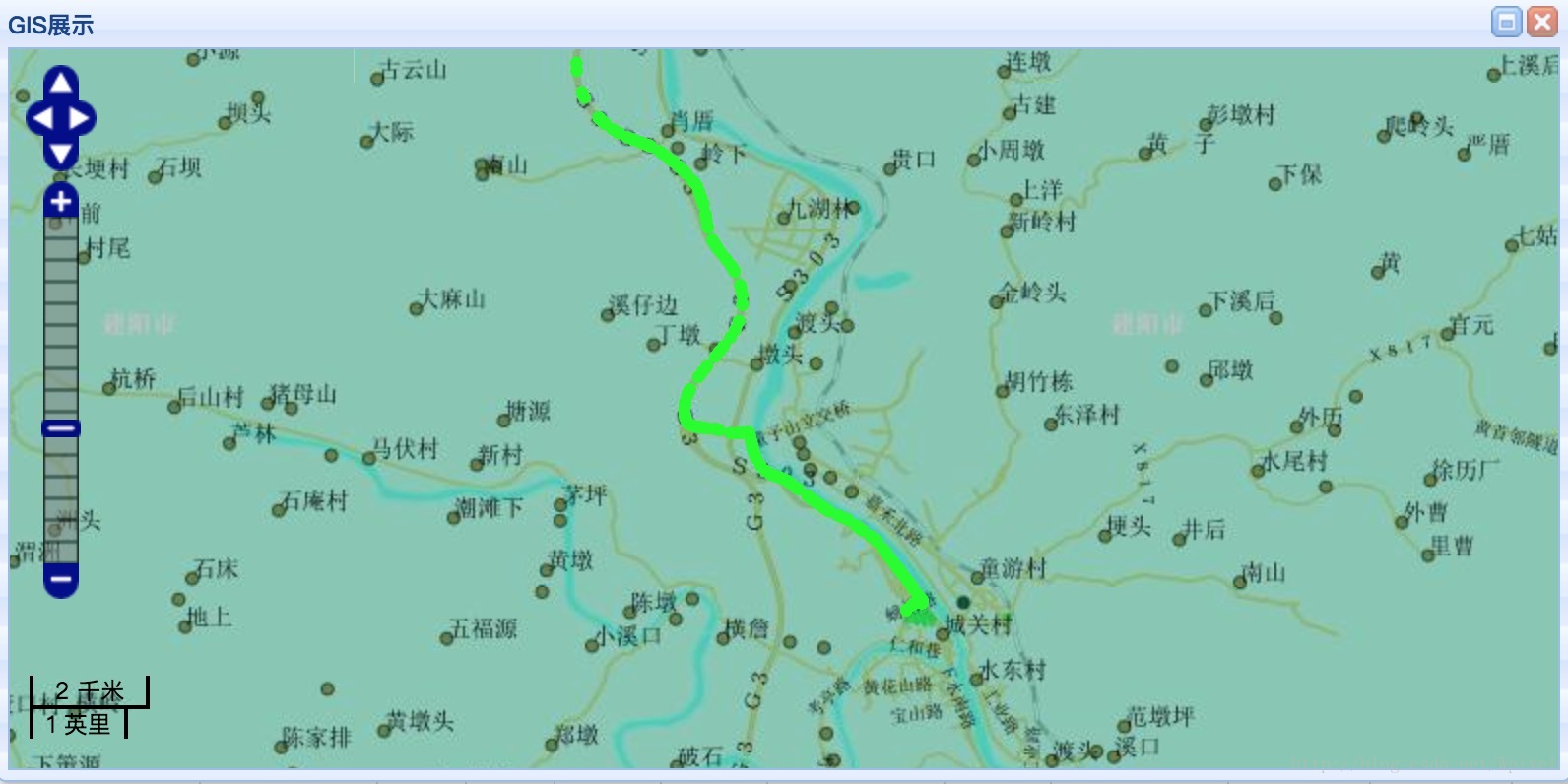
先放张对比图
修改前 有点暗黑的感觉
修改后
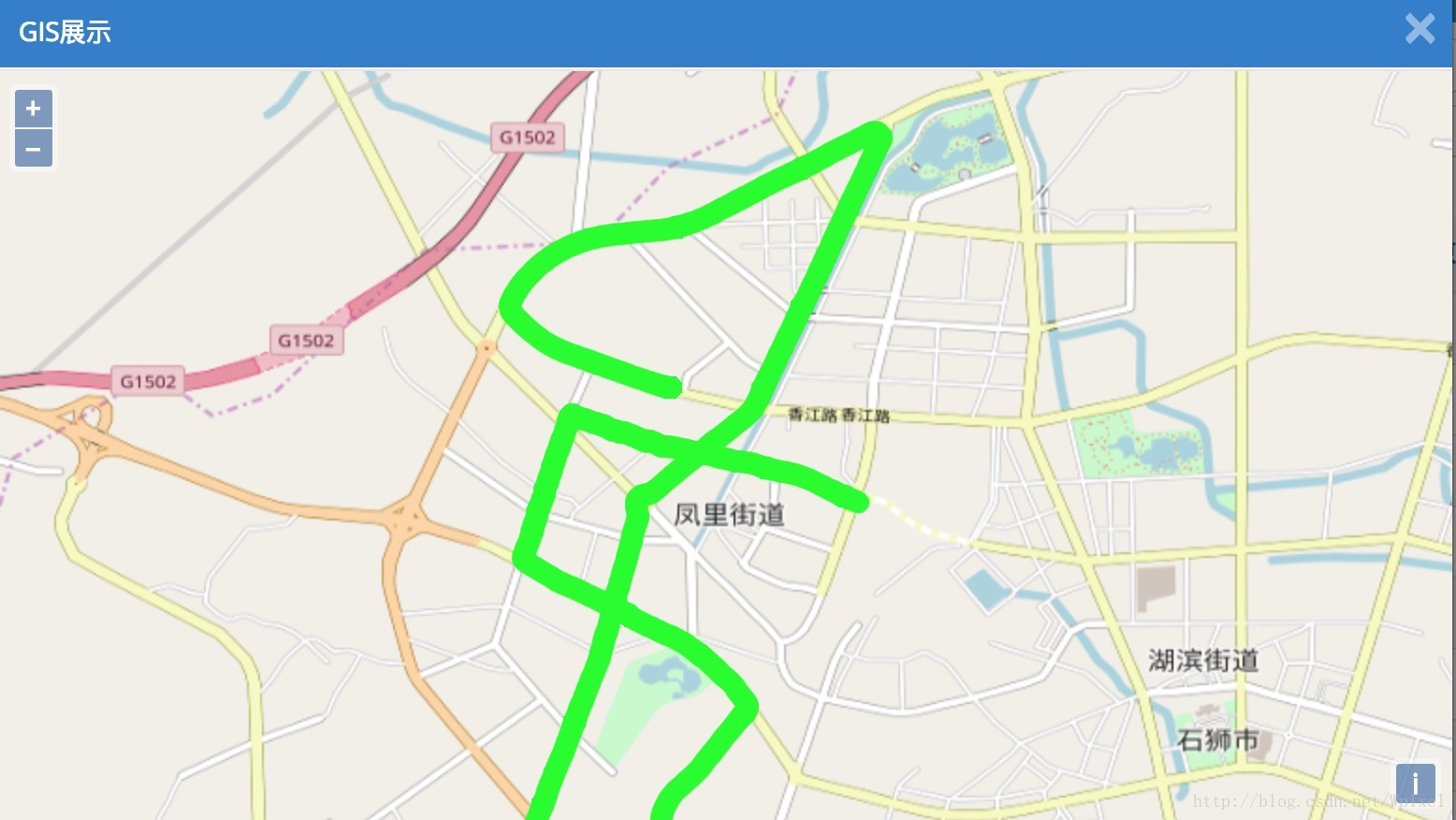
就是这种feelstyle
上代码
ol-point.js
/*** 介绍:*  地图打点 插件封装*  使用方法:*  导入ol-point.js*  $.mapPoint(指定id,数据的数组,x轴字段,y轴字段)* example:*  $.mapPoint("map", point, "x", "y");*/
;(function($){ $.extend({"mapPoint":function(id, points, x, y){var pointX = 0;var pointY = 0;var length = 0;if(points != null){length = points.length;pointX = points[0][x];pointY = points[0][y];}var features = new Array(length);for (var i = 0; i < length; ++i) {features[i] = new ol.Feature({'geometry': new ol.geom.Point([points[i][x], points[i][y]]),'i': i,'size': 10});}var styles = {'10': new ol.style.Style({image: new ol.style.Circle({radius: 5,fill: new ol.style.Fill({color: '#00ff00'}),stroke: new ol.style.Stroke({color: '#00ff00', width: 1})})})};var vectorSource = new ol.source.Vector({features: features,wrapX: false});var vector = new ol.layer.Vector({source: vectorSource,style: function(feature) {return styles[feature.get('size')];}});var tile = new ol.layer.Tile({source: new ol.source.OSM()})map = new ol.Map({layers: [tile,vector],target: id,view: new ol.View({center: [pointX, pointY], //视图的中心位置projection: 'EPSG:4326', //这个一定要配置,之前没配置,结果定位到国外去了zoom: 10 //视图切块等级})});var point = null;var line = null;var displaySnap = function(coordinate) {var closestFeature = vectorSource.getClosestFeatureToCoordinate(coordinate);if (closestFeature === null) {point = null;line = null;} else {var geometry = closestFeature.getGeometry();var closestPoint = geometry.getClosestPoint(coordinate);if (point === null) {point = new ol.geom.Point(closestPoint);} else {point.setCoordinates(closestPoint);}if (line === null) {line = new ol.geom.LineString([coordinate, closestPoint]);} else {line.setCoordinates([coordinate, closestPoint]);}}map.render();};map.on('pointermove', function(evt) {if (evt.dragging) {return;}var coordinate = map.getEventCoordinate(evt.originalEvent);displaySnap(coordinate);});map.on('click', function(evt) {displaySnap(evt.coordinate);});var stroke = new ol.style.Stroke({color: '#00ff00', //点的颜色width: 3//点的宽});var style = new ol.style.Style({stroke: stroke,image: new ol.style.Circle({radius: 10,stroke: stroke})});}})
})(jQuery);- 使用方法
<html>
<head>
<meta charset="UTF-8">
<title>测试GIS地图打点title>

<link rel="stylesheet" href="ol.css" />
head>
<body><div id="map">div><script type="text/javascript" src="jquery-1.10.2.min.js">script>


<script type="text/javascript" src="ol.js">script>

<script type="text/javascript" src="ol-point.js">script>
<script type="text/javascript">//定义测试数据var data = '[{"x":119.307159,"y":26.107006},'+'{"x":119.307165,"y":26.107007},'+'{"x":119.30717,"y":26.107009},'+'{"x":119.307176,"y":26.10701},'+'{"x":119.307181,"y":26.107012},'+'{"x":119.307187,"y":26.107013},'+'{"x":119.307198,"y":26.107016},'+'{"x":119.307198,"y":26.107008},'+'{"x":119.307198,"y":26.107006},'+'{"x":119.307198,"y":26.107004},'+'{"x":119.307198,"y":26.106992},'+'{"x":119.307198,"y":26.106989},'+'{"x":119.307198,"y":26.106984},'+'{"x":119.307198,"y":26.106981},'+'{"x":119.307198,"y":26.106977},'+'{"x":119.307198,"y":26.106974},'+'{"x":119.307198,"y":26.106968},'+'{"x":119.307198,"y":26.106965},'+'{"x":119.307198,"y":26.106962},'+'{"x":119.3072,"y":26.106954},'+'{"x":119.307202,"y":26.10695},'+'{"x":119.307204,"y":26.106946},'+'{"x":119.307206,"y":26.106942},'+'{"x":119.307211,"y":26.106934},'+'{"x":119.307213,"y":26.10693},'+'{"x":119.307216,"y":26.106926},'+'{"x":119.307223,"y":26.106919},'+'{"x":119.307226,"y":26.106915},'+'{"x":119.30723,"y":26.106912},'+'{"x":119.307233,"y":26.106908},'+'{"x":119.30724,"y":26.106901},'+'{"x":119.307243,"y":26.106897},'+'{"x":119.307259,"y":26.106883}]';//json转对象var point = JSON.parse(data);//调用插件 $.mapPoint("map", point, "x", "y");
script>
body>
html>- 结果展示
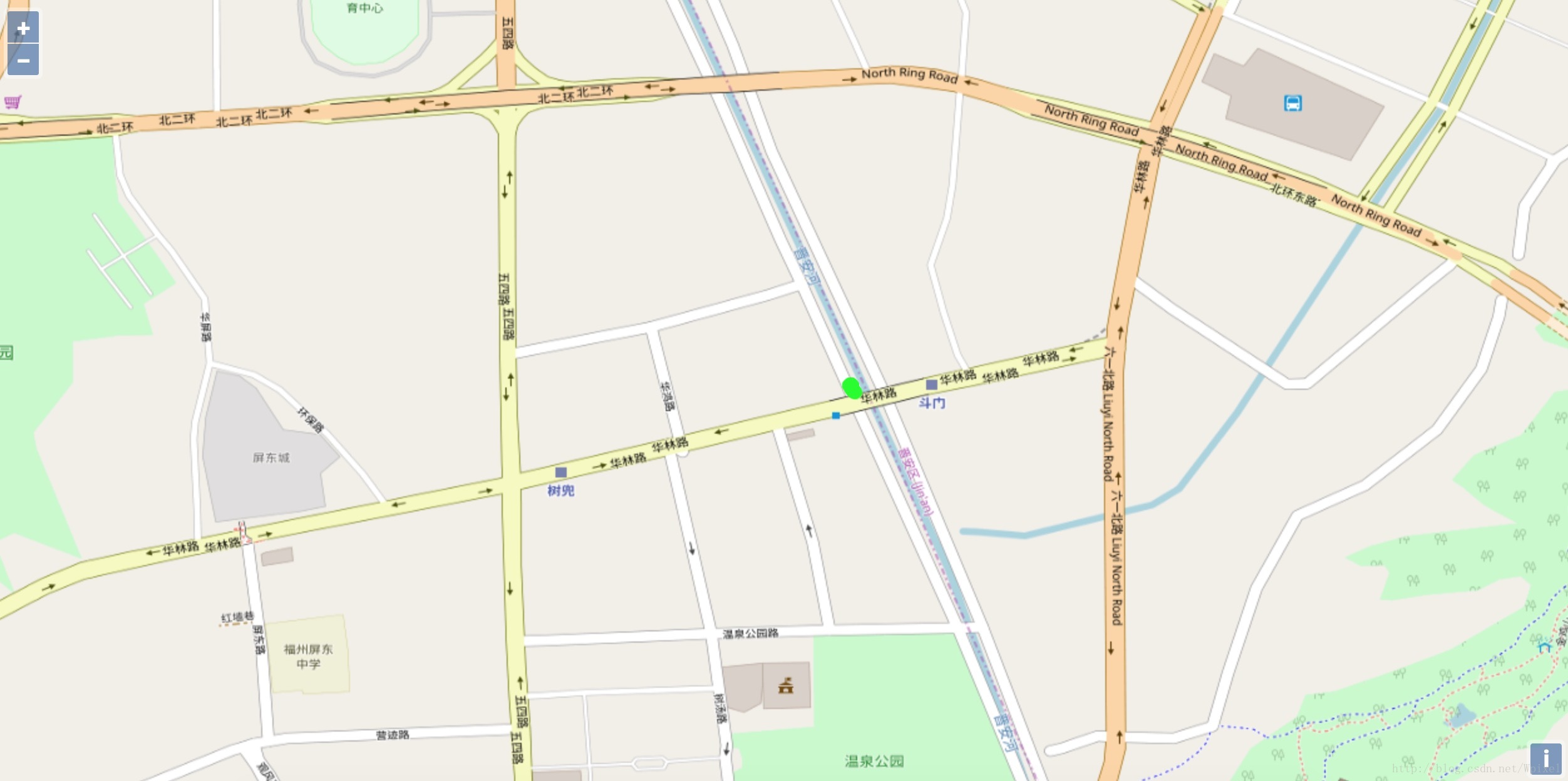
是不是很好看,
本次插件就这样了
大家直接复制代码吧,下载需要2积分
下载地址:http://download.csdn.net/download/wpixel/10265389
本文来自互联网用户投稿,文章观点仅代表作者本人,不代表本站立场,不承担相关法律责任。如若转载,请注明出处。 如若内容造成侵权/违法违规/事实不符,请点击【内容举报】进行投诉反馈!