白膜shp数据转化为geojson数据,并在Cesium加载
首先,对成都市白膜数据进行裁剪
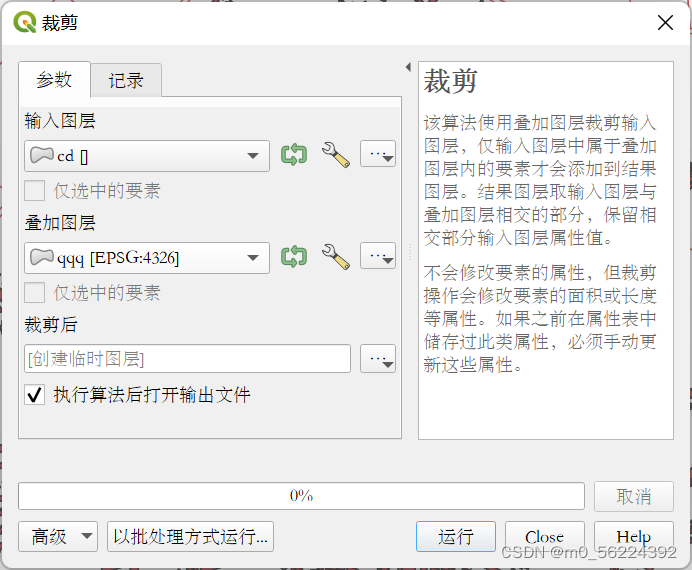
本人实际使用Arcmap进行裁剪,得到CDUT校园白膜shp数据
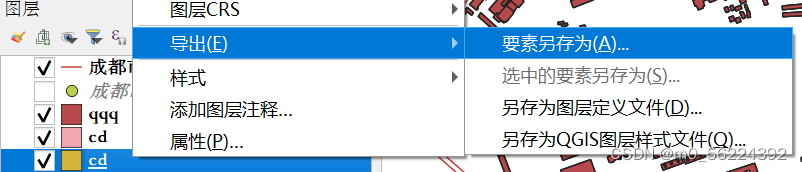
接着右键点击图层,选择导出,要素另存为
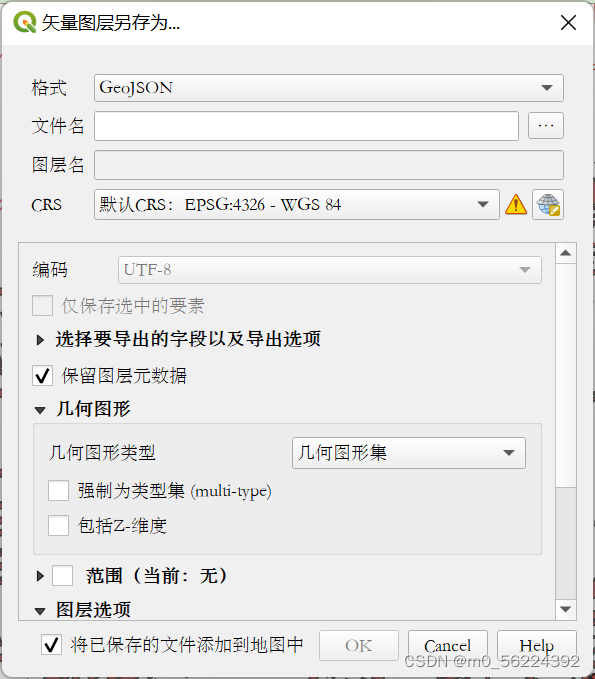
文件名自取,其他根据需求选择(本人取消勾选Z-维度),点击OK
最终格式如图所示(有省略)


使用Cesium加载数据
var req = new XMLHttpRequest();
req.open("get", "qqq.geojson");
req.send(null);
req.onload = function () {
var data = JSON.parse(req.responseText);
data.features.forEach((feature) => {
feature.geometry.coordinates.forEach((coordinate) => {
console.log(coordinate[0])
let coor=Cesium.Cartesian3.fromDegreesArray(coordinate[0].flat())
console.log(coor)
console.log(coordinate[0].length)
viewer.entities.add({
wall: {
positions: Cesium.Cartesian3.fromDegreesArray(coordinate[0].flat()),
minimumHeights: new Array(coordinate[0].length).fill(0),
maximumHeights: new Array(coordinate[0].length).fill(
feature.properties.Elevation * 2
),
material: new Cesium.Color(1.0, 1.0, 1.0, 1),
},
polygon:{
hierarchy: Cesium.Cartesian3.fromDegreesArray(coordinate[0].flat()),
width: 2,
material:new Cesium.Color(1.0,1.0,1.0,1),
height:feature.properties.Elevation * 2,
}
});
});
});
};
如果geojson数据中coordinates后为3个中括号,就把coordinate[0]改正为coordinate
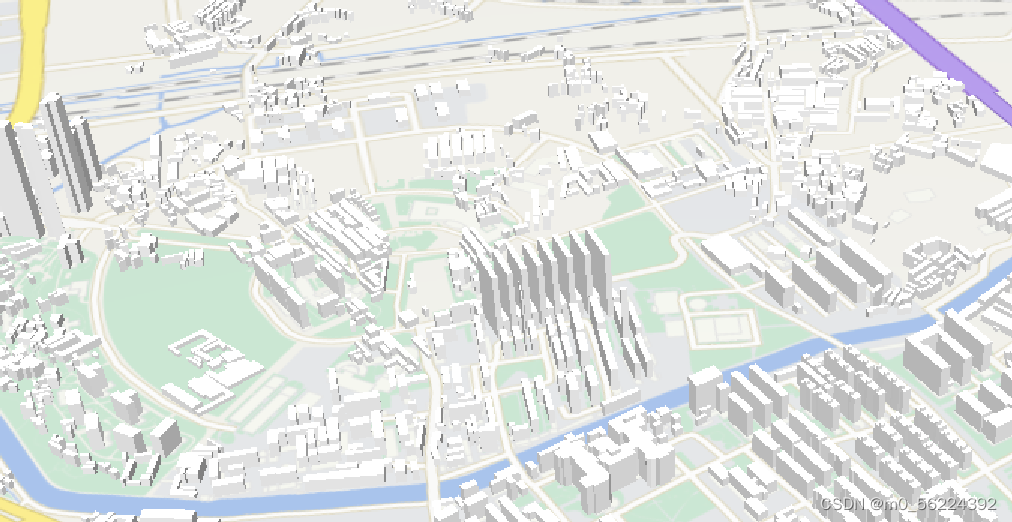
最终结果如图
mapshaper可在线
本文来自互联网用户投稿,文章观点仅代表作者本人,不代表本站立场,不承担相关法律责任。如若转载,请注明出处。 如若内容造成侵权/违法违规/事实不符,请点击【内容举报】进行投诉反馈!