文字超出时tooltip才显示
对于字数过长,我们可能使用超出省略,移上去tooltip显示全部文本这种视觉交互,例如以下效果
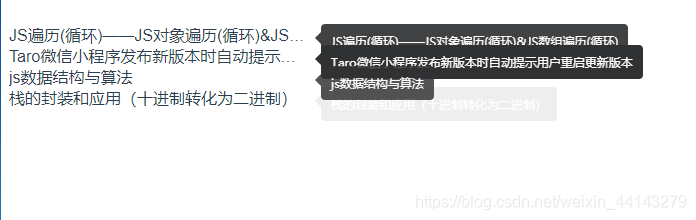
实现代码如下
<template><div><div v-for="(item, index) in list" :key="index"><el-tooltip class="item" effect="dark" :content="item" placement="right-start"><div class="text">{{item}}</div></el-tooltip></div></div>
</template><script>
export default {name: 'HelloWorld',data () {return {list: ['JS遍历(循环)——JS对象遍历(循环)&JS数组遍历(循环)','Taro微信小程序发布新版本时自动提示用户重启更新版本','js数据结构与算法','栈的封装和应用(十进制转化为二进制)']}}
}
</script><style scoped>
.text{width: 300px;overflow: hidden;white-space: nowrap;text-overflow:ellipsis;
}
</style>
但这样也就导致了及时文字放得下也会有tooltip出现,也在body下面多创建了很多tooltip元素,浪费了性能;下面是优化的方法:
该方法是借鉴element源码(在使用el-table的时候在文档看到有个api支持这种),所以就去翻了一下element-ui的源码
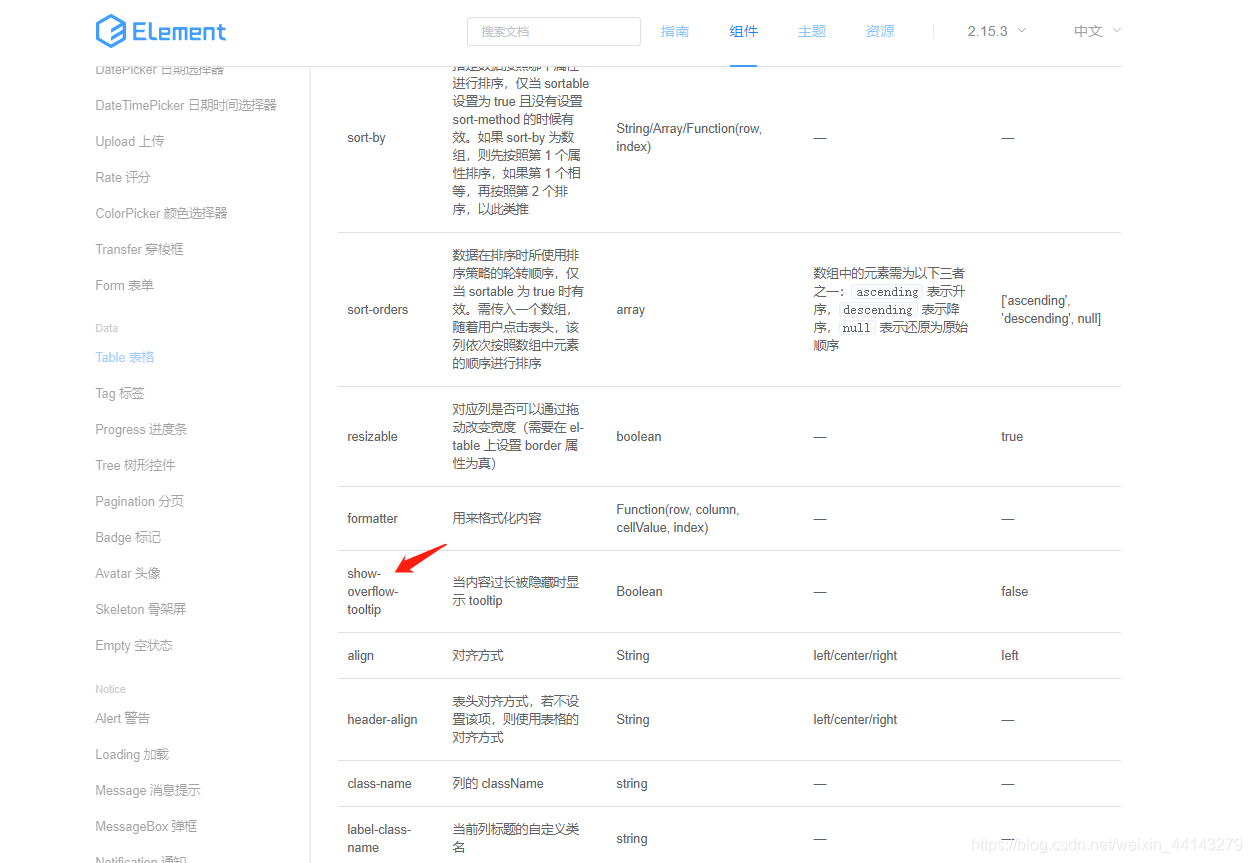
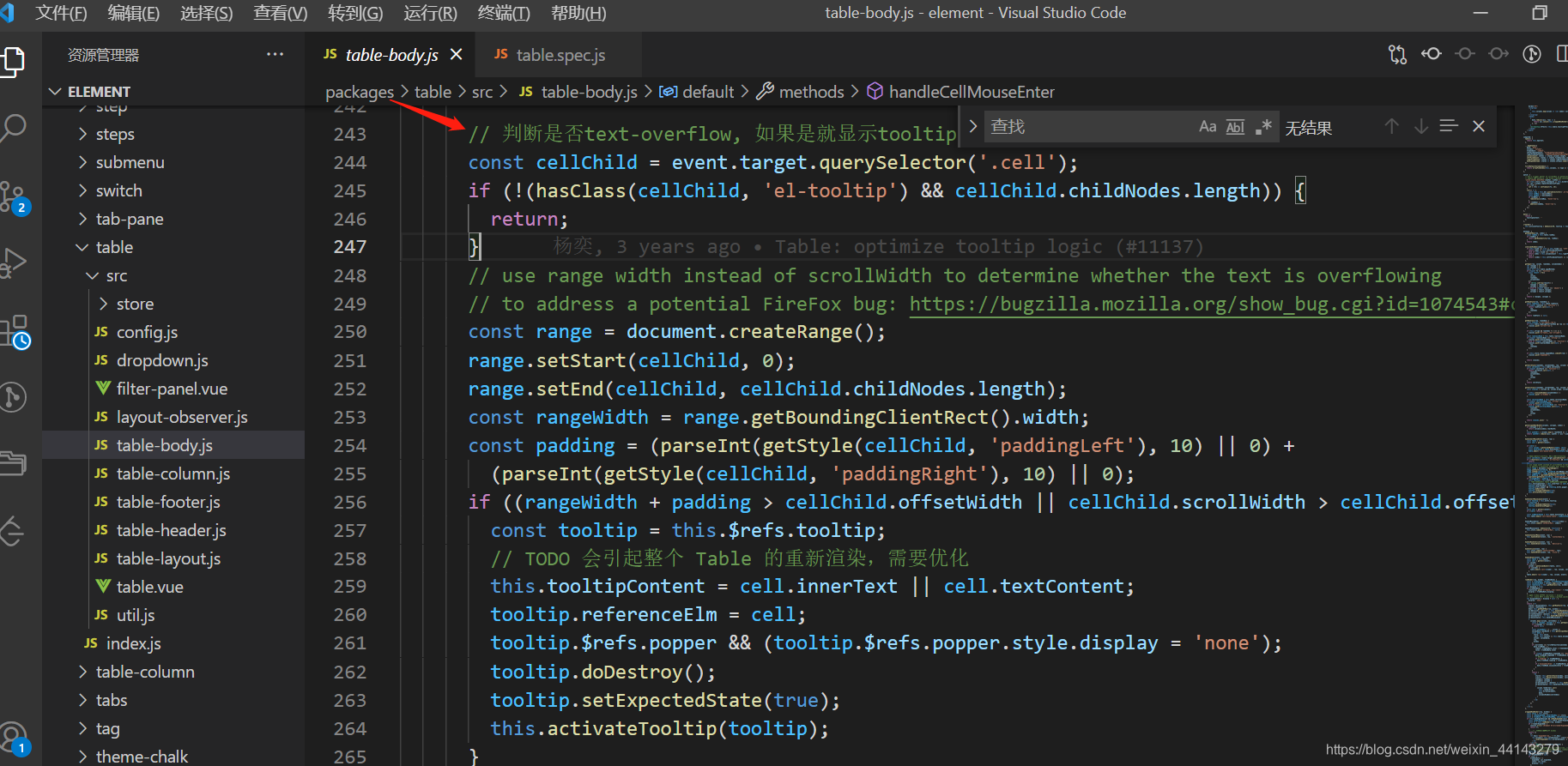
抽取里面判断文字所占像素宽度是否超出dom元素像素宽度的逻辑,写了一个工具类函数
// el dom元素
function textRange (el) {const textContent = elconst targetW = textContent.getBoundingClientRect().widthconst range = document.createRange()range.setStart(textContent, 0)range.setEnd(textContent, textContent.childNodes.length)const rangeWidth = range.getBoundingClientRect().widthreturn rangeWidth > targetW
}
对以上交互进行改进
<template><div><div v-for="(item, index) in list" :key="index"><div @mouseenter="(e) => isShowToltip(e, index)" @mouseout="hideTip(index)" v-if="!item.isShow" class="text">{{item.text}}</div><el-tooltip v-if="item.isShow" class="item" effect="dark" :content="item.text" placement="right-start"><div class="text">{{item.text}}</div></el-tooltip></div></div>
</template><script>
import {textRange} from '../utils'
export default {name: 'HelloWorld',data () {return {list: [{text: 'JS遍历(循环)——JS对象遍历(循环)&JS数组遍历(循环)', isShow: false},{text: 'Taro微信小程序发布新版本时自动提示用户重启更新版本', isShow: false},{text: 'js数据结构与算法', isShow: false},{text: '栈的封装和应用(十进制转化为二进制)', isShow: false}]}},methods: {isShowToltip (e, index) {const bool = textRange(e.target)this.list[index].isShow = bool},hideTip (index) {this.list[index].isShow = false}}
}
</script><style scoped>
.text{width: 300px;overflow: hidden;white-space: nowrap;text-overflow:ellipsis;
}
</style>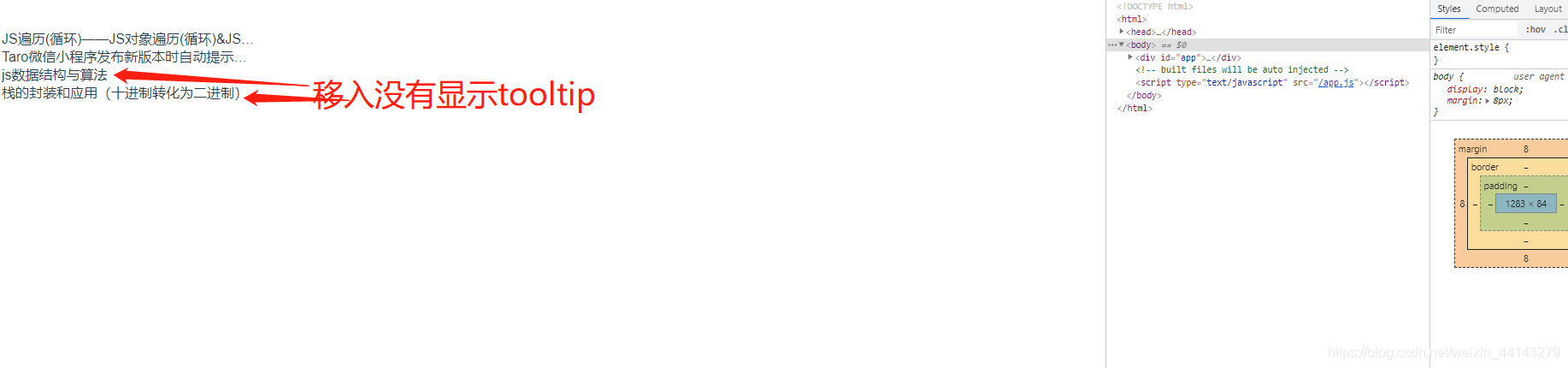

本文来自互联网用户投稿,文章观点仅代表作者本人,不代表本站立场,不承担相关法律责任。如若转载,请注明出处。 如若内容造成侵权/违法违规/事实不符,请点击【内容举报】进行投诉反馈!