iconfont的图标使用Unicode格式的实现
一:准备
-
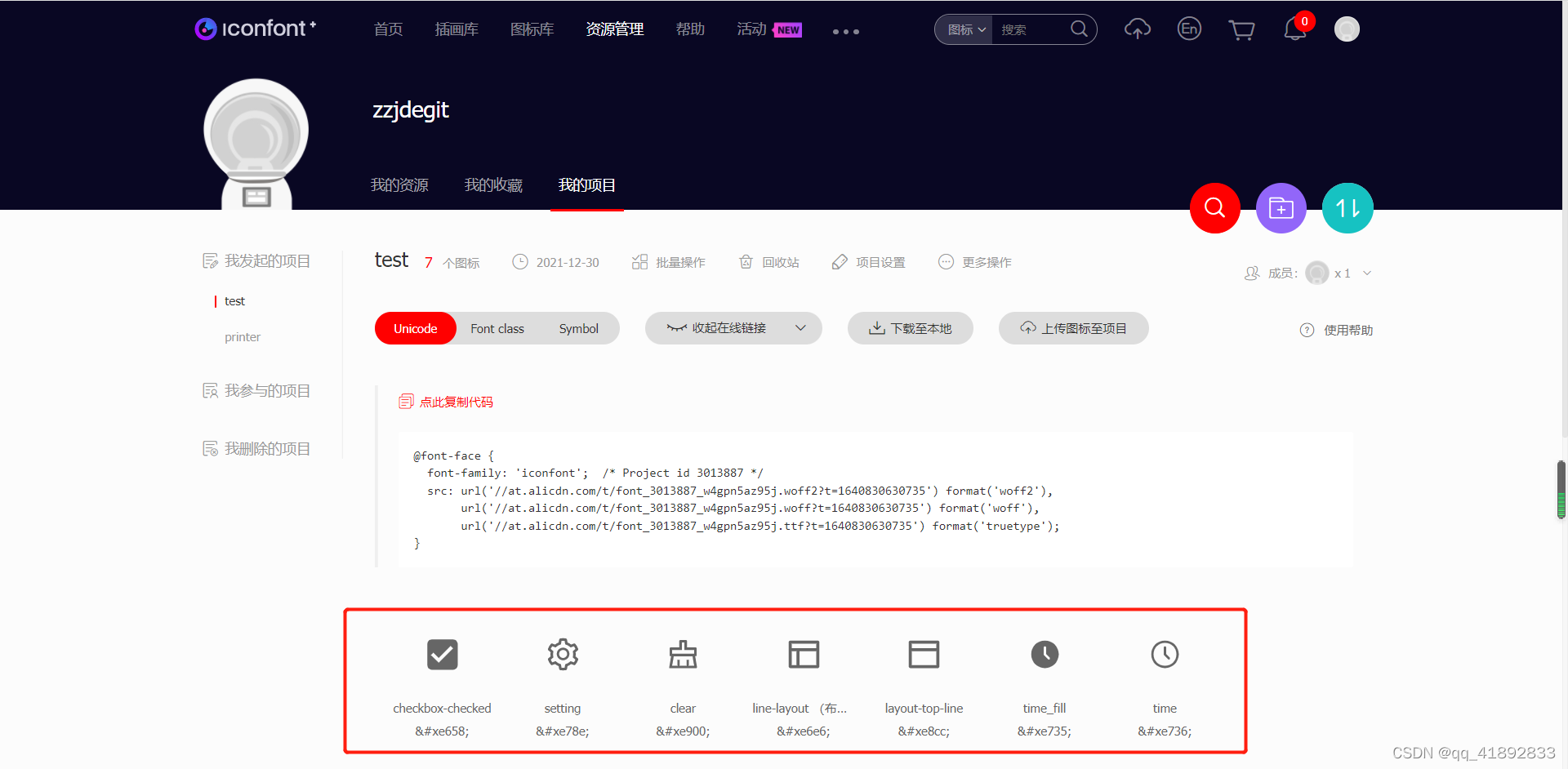
将自己需要的图标添加到自己的项目中,如下图所示:
-
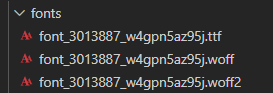
将图标文件下载到本地
二:使用
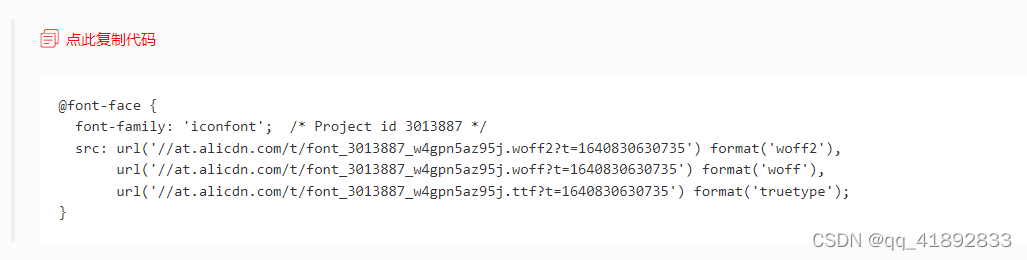
- 复制项目里提供的@font-face
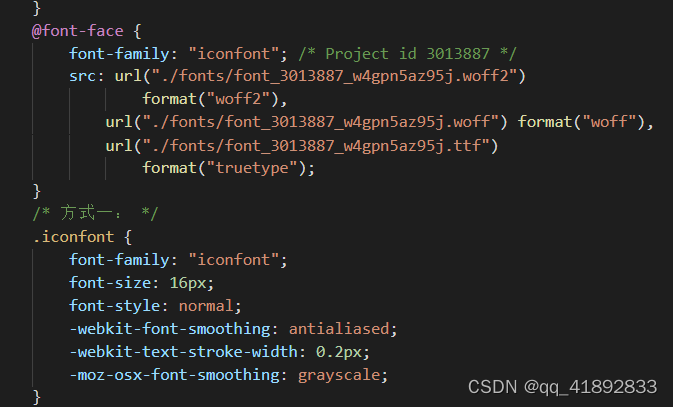
- 具体的使用
方式一:用i标签
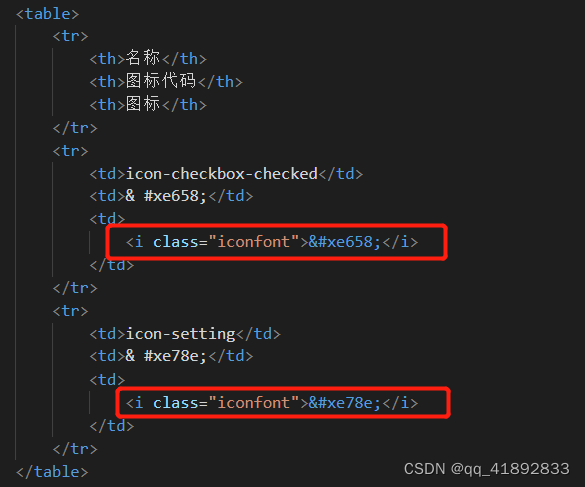
方式二:通过伪元素添加图标
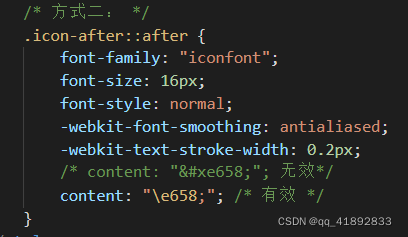

三:代码
DOCTYPE html>
<html><head><meta charset="utf-8" /><title>iconfont的Unicode使用title><style>html,body {height: 100%;}table,th,td {border: 1px solid black;}@font-face {font-family: "iconfont"; /* Project id 3013887 */src: url("./fonts/font_3013887_w4gpn5az95j.woff2")format("woff2"),url("./fonts/font_3013887_w4gpn5az95j.woff") format("woff"),url("./fonts/font_3013887_w4gpn5az95j.ttf")format("truetype");}/* 方式一: */.iconfont {font-family: "iconfont";font-size: 16px;font-style: normal;-webkit-font-smoothing: antialiased;-webkit-text-stroke-width: 0.2px;-moz-osx-font-smoothing: grayscale;}/* 方式二: */.icon-after::after {font-family: "iconfont";font-size: 16px;font-style: normal;-webkit-font-smoothing: antialiased;-webkit-text-stroke-width: 0.2px;/* content: ""; 无效*/content: "\e658;"; /* 有效 */}style>head><body><h2>我test项目里的iconh2><table><tr><th>名称th><th>图标代码th><th>图标th>tr><tr><td>icon-checkbox-checkedtd><td>& #xe658;td><td><i class="iconfont">i>td>tr><tr><td>icon-settingtd><td>& #xe78e;td><td><i class="iconfont">i>td>tr>table><br /><h2>通过伪元素添加图标h2><div class="icon-after">这里的后面加上图标div>body>
html>本文来自互联网用户投稿,文章观点仅代表作者本人,不代表本站立场,不承担相关法律责任。如若转载,请注明出处。 如若内容造成侵权/违法违规/事实不符,请点击【内容举报】进行投诉反馈!