微信小程序地图选择位置
代码片段
select.wxml
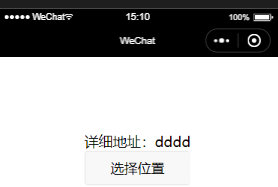
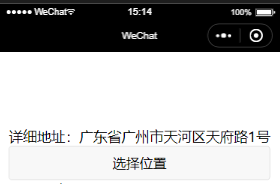
<view><label>详细地址:</label> <text>{{location}}</text><button bindtap='getLocation'>选择位置</button></view>
select.js
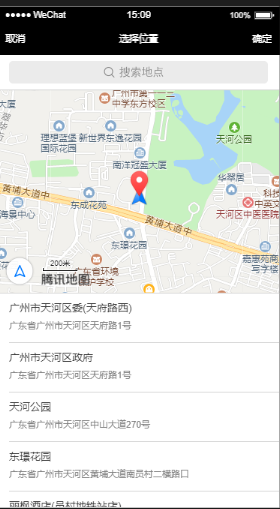
Page({data: {location:'dddd'},//获取位置getLocation(e){var that = thiswx.chooseLocation({success: function (res) {console.log(res.address)console.log(res.latitude)console.log(res.longitude)console.log(res.name)var location = res.addressthat.setData({location: location})}})}
})
本文来自互联网用户投稿,文章观点仅代表作者本人,不代表本站立场,不承担相关法律责任。如若转载,请注明出处。 如若内容造成侵权/违法违规/事实不符,请点击【内容举报】进行投诉反馈!