wrk基本使用
介绍
wrk是一个现代的HTTP基准测试工具,当在单个多核CPU上运行时能够产生大量负载。
支持Lua脚本,能够执行HTTP请求生成、响应处理和自定义报告执行结果
安装
Mac
可能会报错,报错就下载源码手动编译
brew install wrk
Linux
sudo apt-get install build-essential libssl-dev git -y
git clone https://github.com/wg/wrk.git wrk
cd wrk
sudo make
# move the executable to somewhere in your PATH, ex:
sudo cp wrk /usr/local/bin
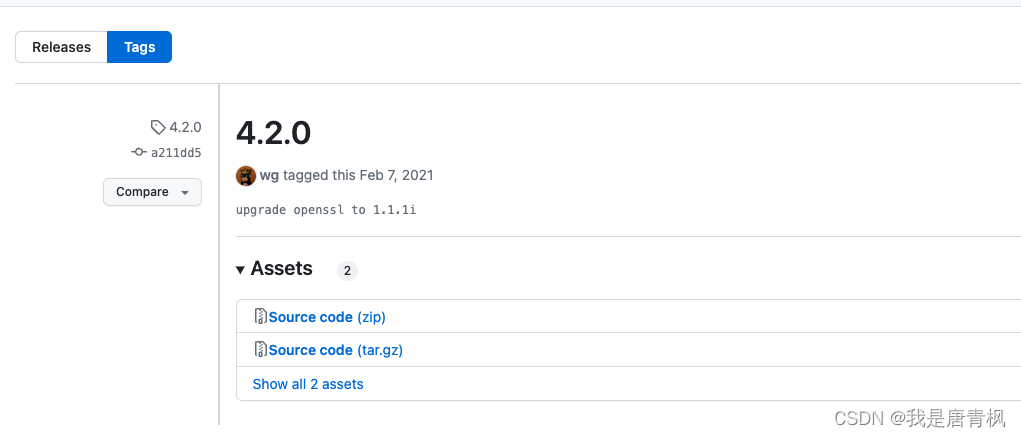
或者从releases中下载:
https://github.com/wg/wrk/releases/tag/4.2.0
基本用法
wrk -t12 -c400 -d30s http://127.0.0.1:8080/index.html
以上命令表示:运行一个持续时长为30秒,使用12个线程,保持打开400个HTTP连接的压测。
输出:
Running 30s test @ http://127.0.0.1:8080/index.html12 threads and 400 connectionsThread Stats   Avg      Stdev     Max   +/- StdevLatency   635.91us    0.89ms  12.92ms   93.69%Req/Sec    56.20k     8.07k   62.00k    86.54%22464657 requests in 30.00s, 17.76GB read
Requests/sec: 748868.53 // 表示每秒的请求数
Transfer/sec:    606.33MB
命令行选项
-c, --connections(连接数): total number of HTTP connections to keep open witheach thread handling N = connections/threads-d, --duration(持续时间): duration of the test, e.g. 2s, 2m, 2h-t, --threads(线程数): total number of threads to use-s, --script(指定Lua脚本): LuaJIT script, see SCRIPTING-H, --header(指定请求头): HTTP header to add to request, e.g. "User-Agent: wrk"--latency(打印延迟统计信息): print detailed latency statistics--timeout(打印响应超时信息): record a timeout if a response is not received withinthis amount of time.
参考链接
- https://github.com/wg/wrk
- https://medium.com/@felipedutratine/intelligent-benchmark-with-wrk-163986c1587f
本文来自互联网用户投稿,文章观点仅代表作者本人,不代表本站立场,不承担相关法律责任。如若转载,请注明出处。 如若内容造成侵权/违法违规/事实不符,请点击【内容举报】进行投诉反馈!