three.js+vue3+vite教学(九、环境光,点光源,聚光灯,平行光)
环境光
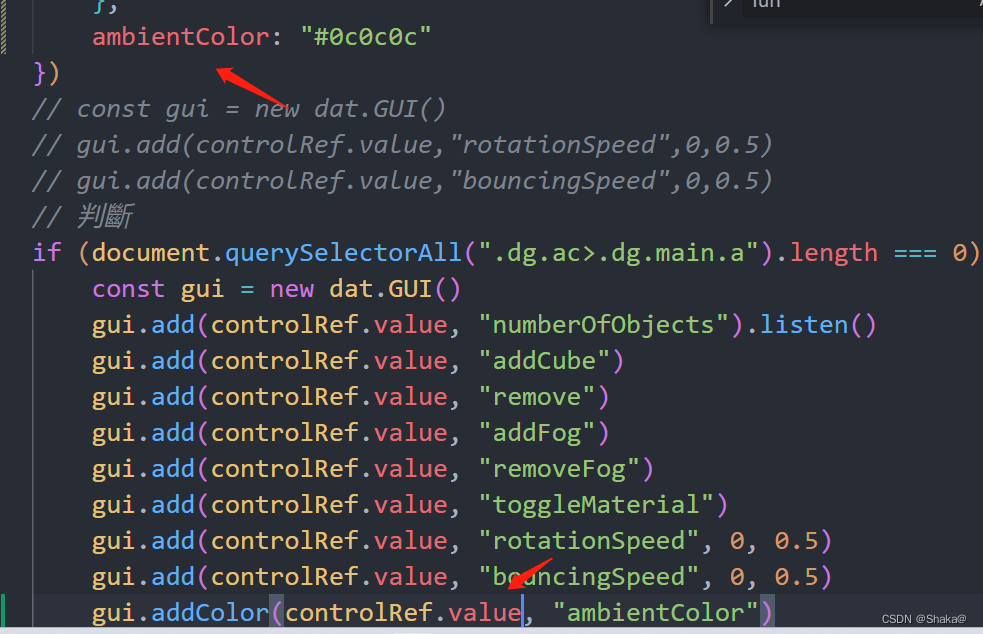
添加环境光
// 添加环境光
const ambientLight = new AmbientLight(controlRef.value.ambientColor)
scene.add(ambientLight)
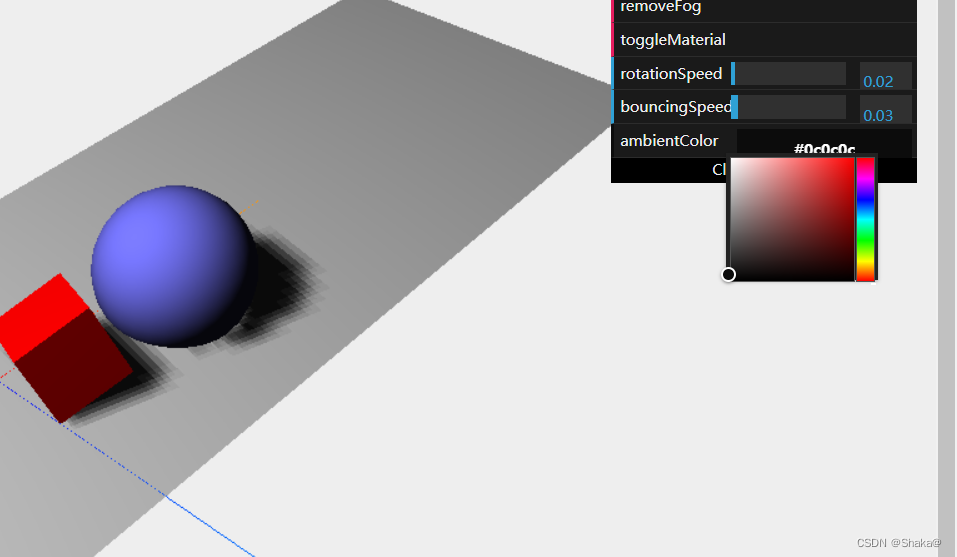
这样就会出来一个调色盘
我们用watch来侦听
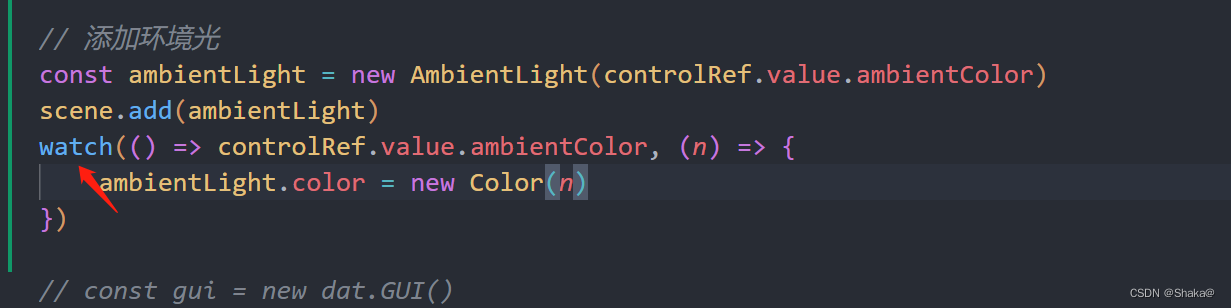
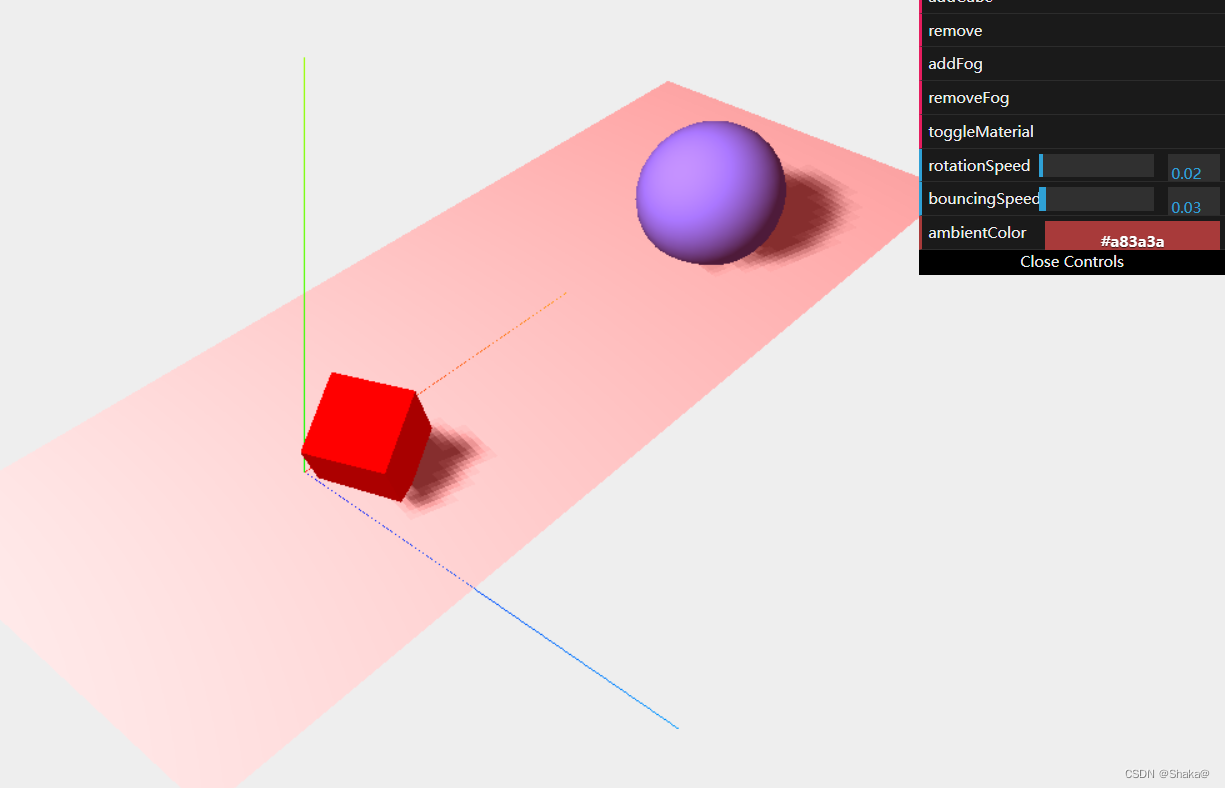
我们删除其它光的影响
点光源
这里是定义它的属性,距离和长度
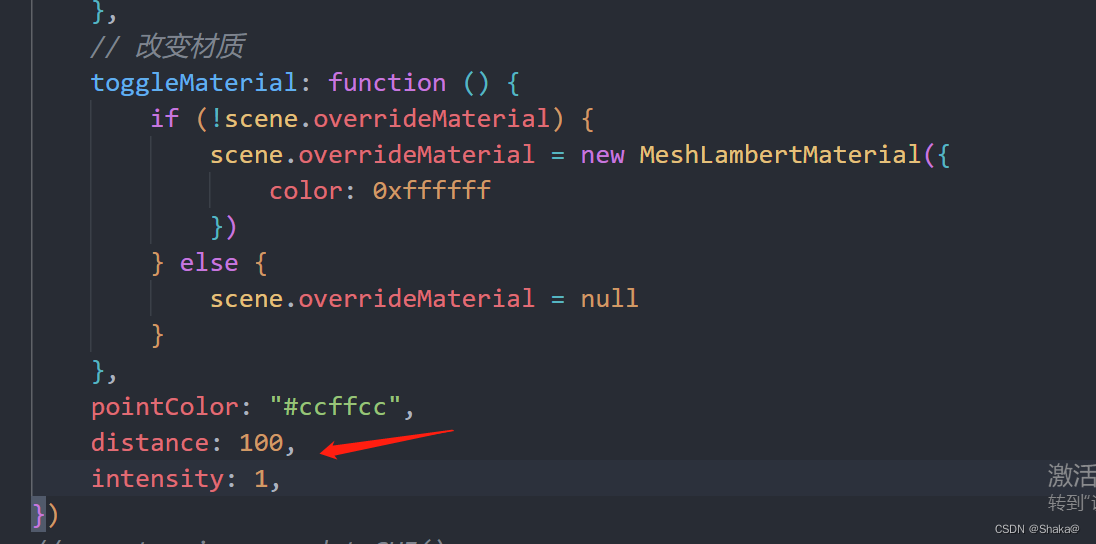
我们添加一个发光的点(类似于我们生活中的灯泡)
// 添加一个灯泡(发光的物体)
const lookAtGeom = new SphereGeometry(1)
const lookAtMesh = new Mesh(lookAtGeom, new MeshLambertMaterial({color: 0xff0000
}))
scene.add(lookAtMesh)
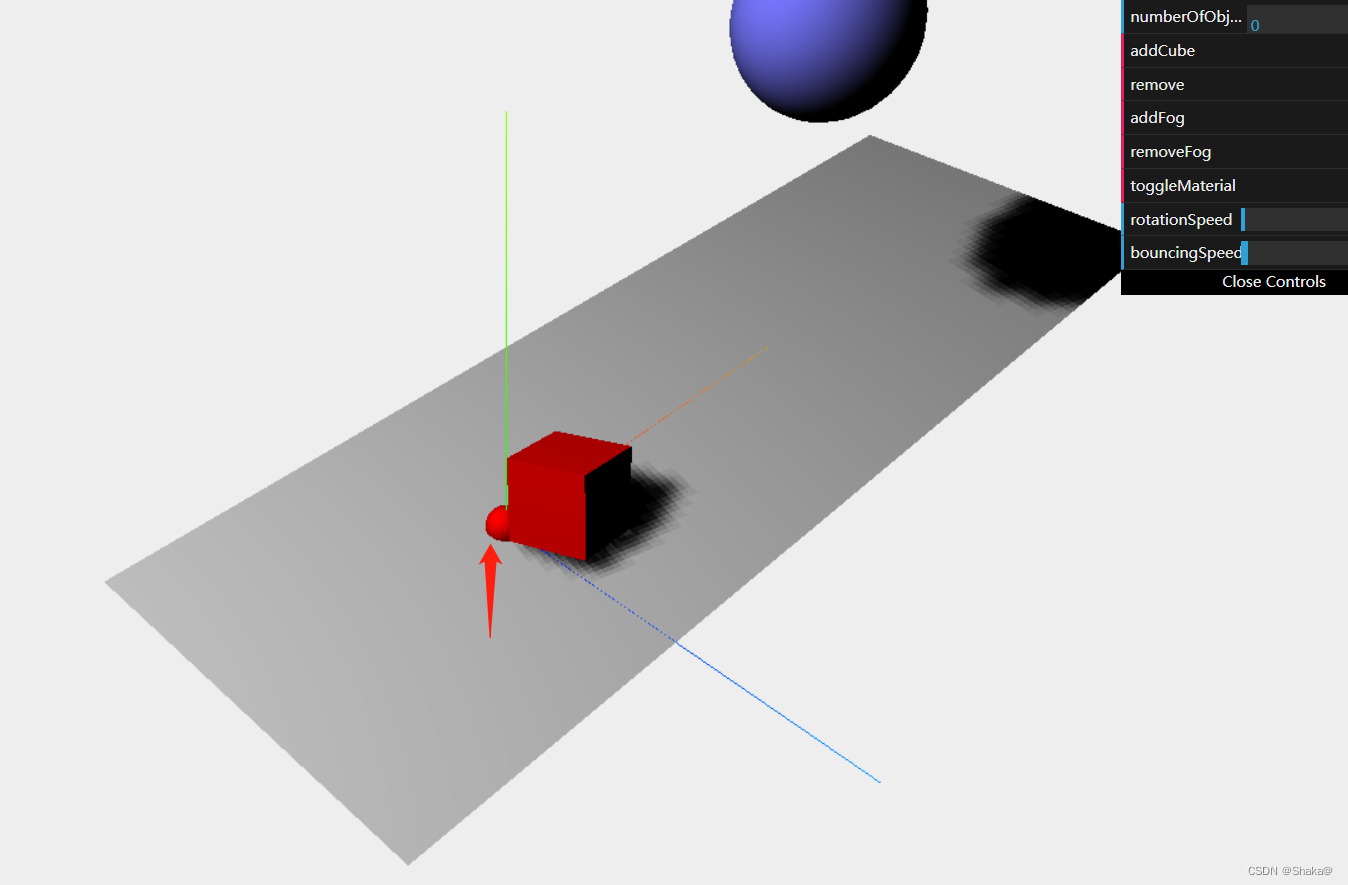
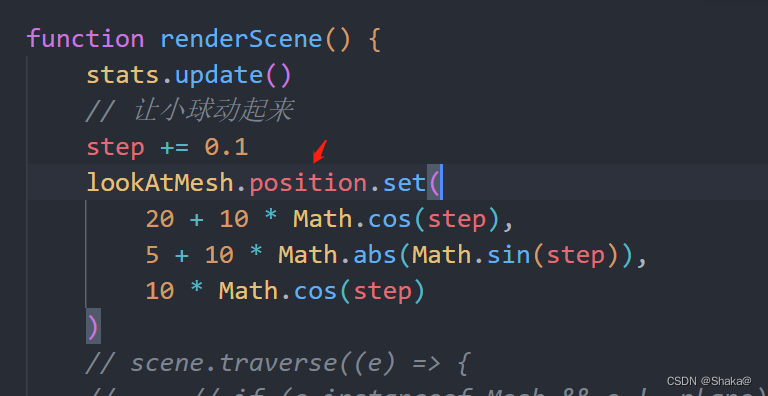
让小球动起来
添加点光源
// 添加点光源
const pointLight = new PointLight(controlRef.value.pointColor)
pointLight.distance = 100
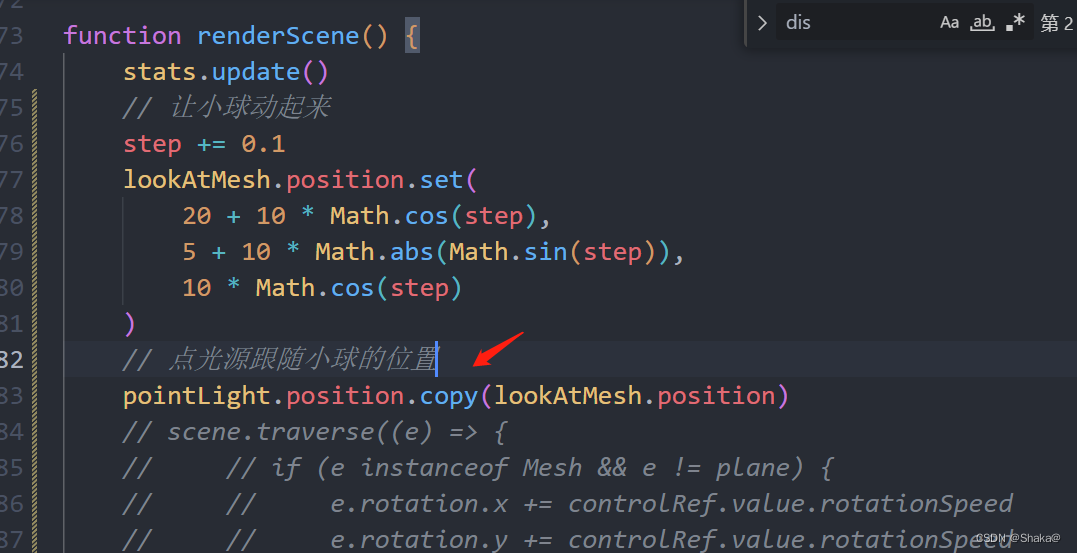
pointLight.position.copy(lookAtMesh.position)
scene.add(pointLight)
点光源跟随小球的位置
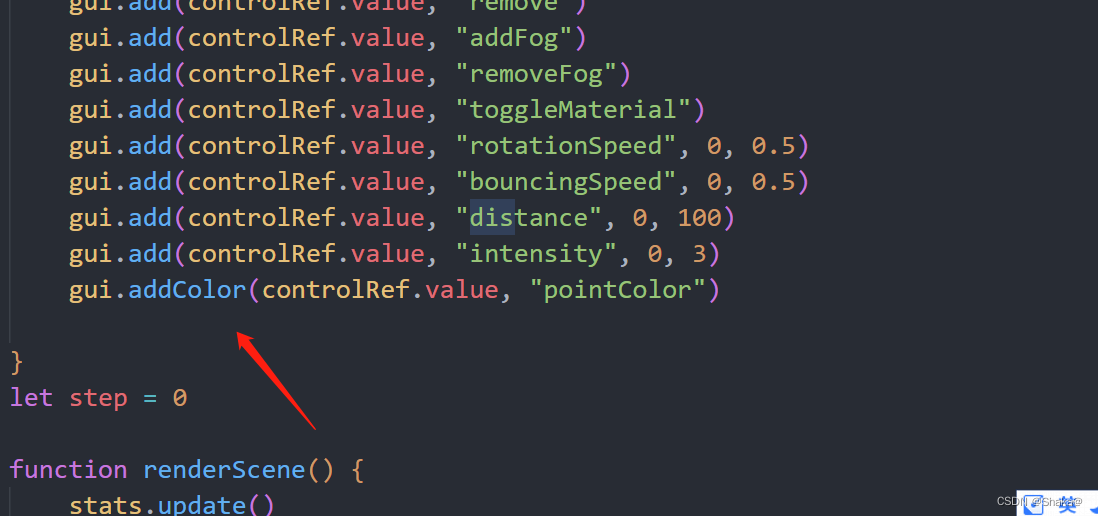
用watch来侦听
watch(() => controlRef.value.pointColor, () => {pointLight.color = new Color(controlRef.value.pointColor)
})// 光源投射的直径
watch(() => controlRef.value.distance, () => {pointLight.distance = controlRef.value.distance
})// 强度(灯泡多少瓦数)
watch(() => controlRef.value.intensity, () => {pointLight.intensity = controlRef.value.intensity
})
聚光灯
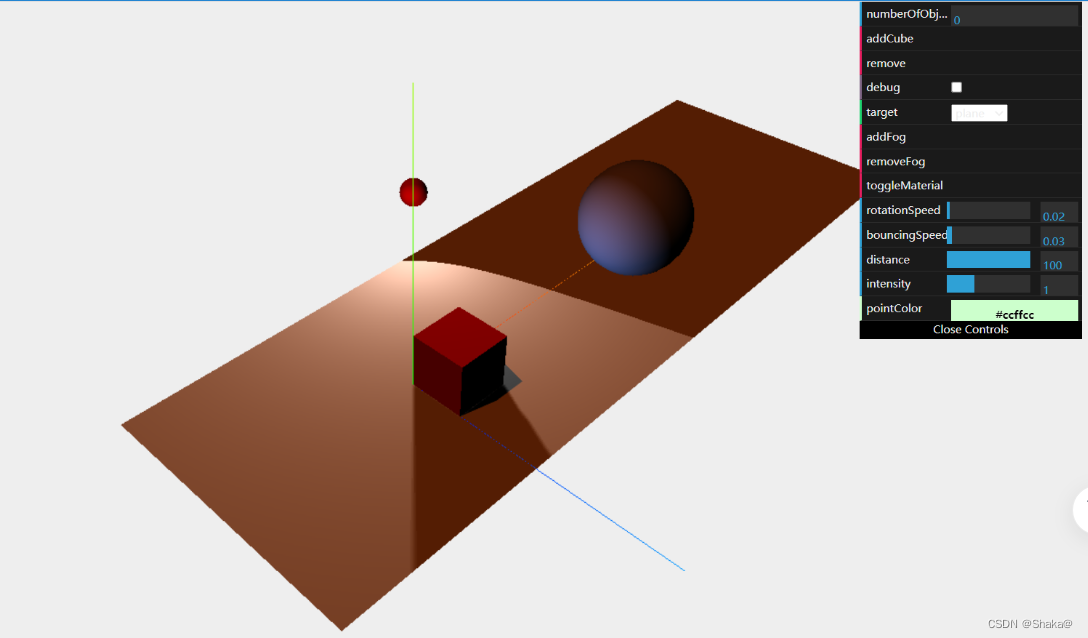
这里添加一个debug辅助线方便我们观察
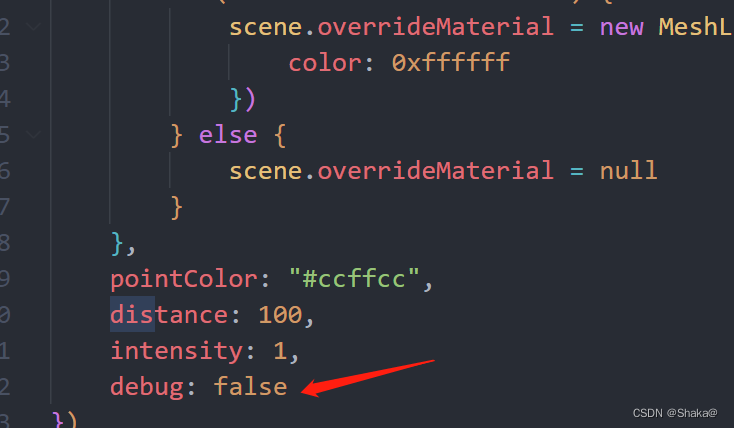
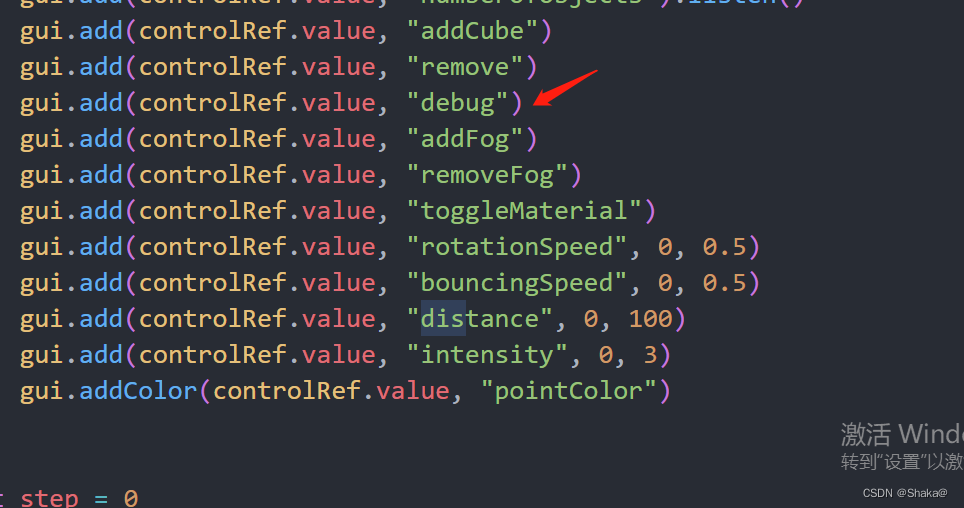
添加辅助线
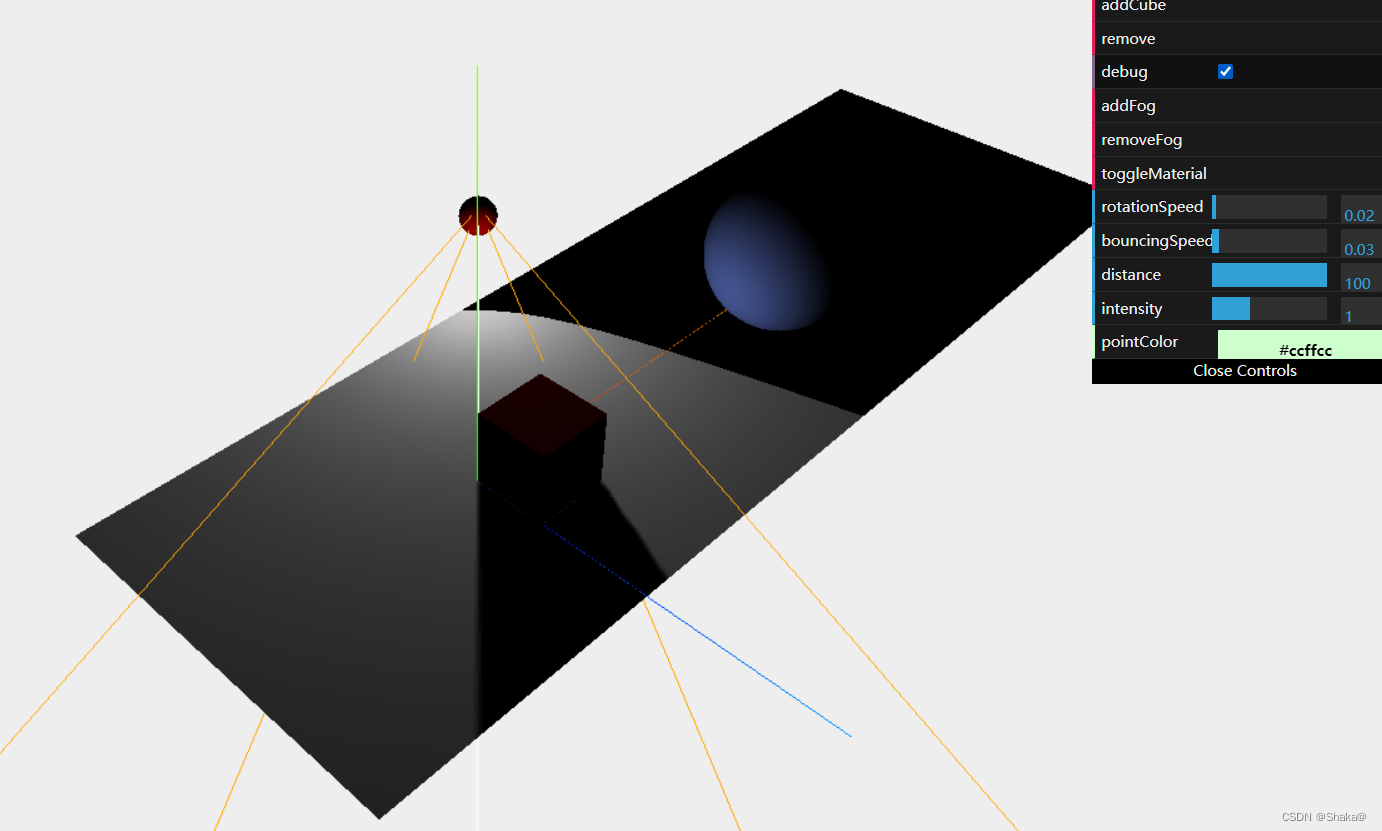
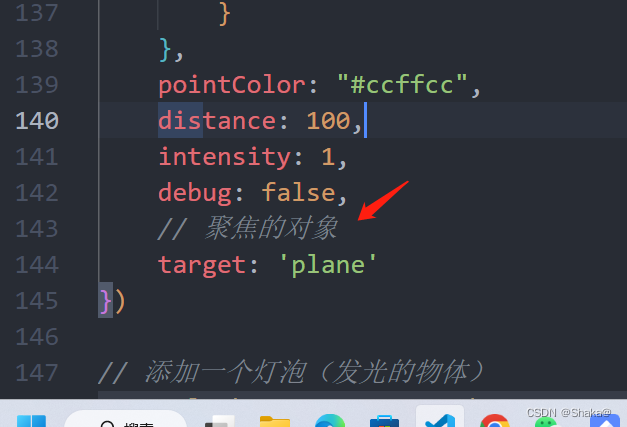
聚焦对象
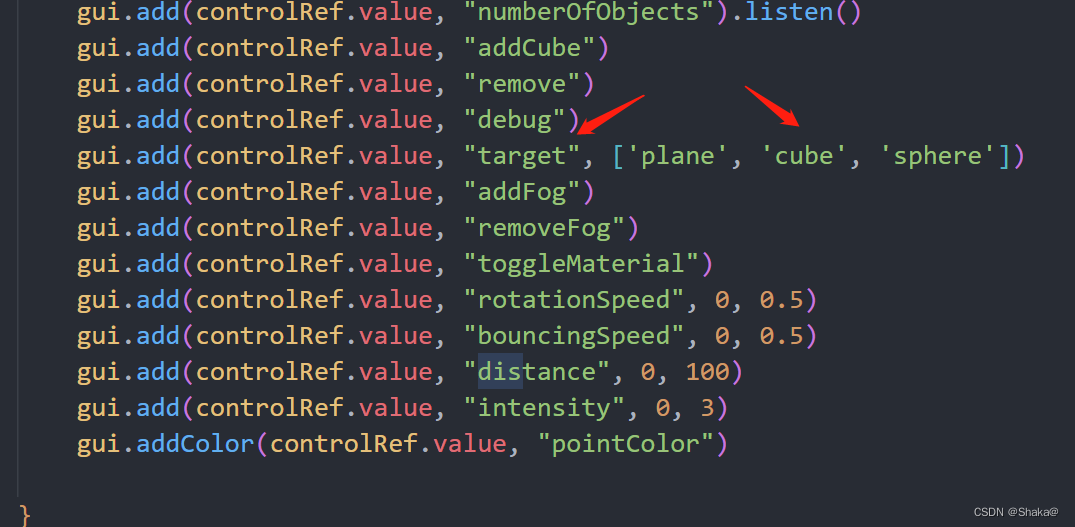
下拉框用一个数组接受
watch侦听
watch(() => controlRef.value.target, (t) => {if (t === 'cube') {spotLight.target = cube} else if (t === 'sphere') {spotLight.target = sphere} else {spotLight.target = plane}
})
平行光
添加平行光
// 添加平行光
const directionalColor = '#ff5808'
const directionalLight = new DirectionalLight(directionalColor)
directionalLight.position.set(-40, 60, -10)
directionalLight.castShadow = true
directionalLight.intensity = 0.5
scene.add(directionalLight)
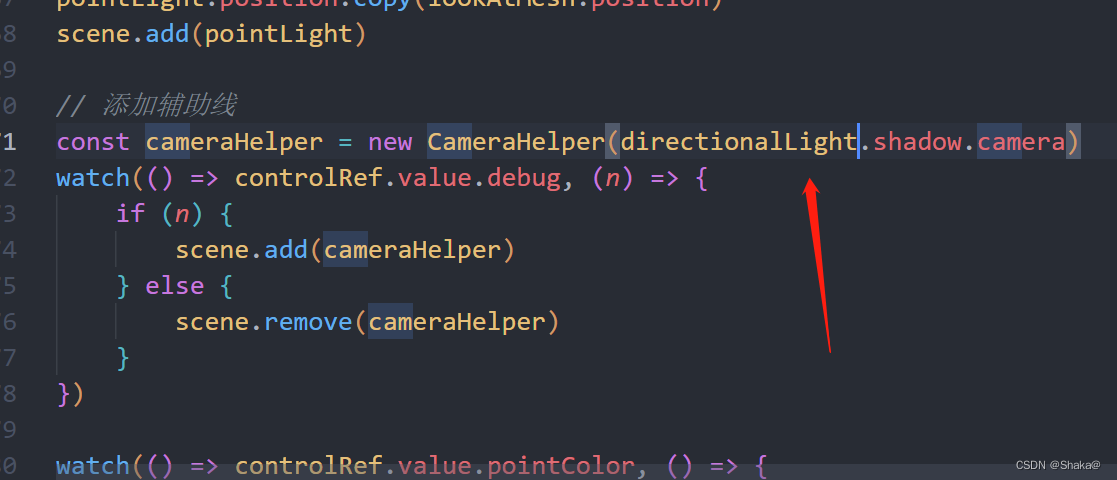
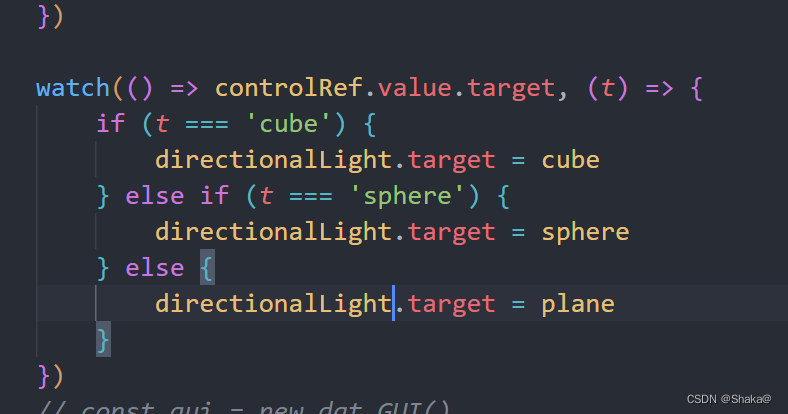
注意这里也需要更改
代码
<template><div ref="statsRef"></div><div className="contain" ref="containerRef"></div>
</template><script setup lang='ts'>
import {AxesHelper,BoxGeometry,CameraHelper,Color,DirectionalLight,Fog,Mesh,MeshBasicMaterial,MeshLambertMaterial,PerspectiveCamera,PlaneGeometry,PointLight,Scene,SphereGeometry,SpotLight,WebGLRenderer
} from 'three';
import { ref, reactive, onMounted, watch } from 'vue'
import Stats from 'stats.js'
import * as dat from 'dat.gui'const containerRef = ref<HTMLDivElement>()
const statsRef = ref<HTMLDivElement>()
const stats = new Stats()
stats.dom.style.top = "50px"
stats.showPanel(0)
// 创建场景
const scene = new Scene()
// 创建照相机
const camera = new PerspectiveCamera(45, window.innerWidth / window.innerHeight, 0.1, 1000)
// 设置摄像机位置
camera.position.set(-30, 40, 30)
// 设置摄像机朝向(看哪)
camera.lookAt(scene.position)
// webgl渲染器
const renderer = new WebGLRenderer()
renderer.setClearColor(new Color(0xeeeeee))
renderer.setSize(window.innerWidth, window.innerHeight)
// 可以渲染阴影
renderer.shadowMap.enabled = true// 光源
const spotLight = new SpotLight(0xffffff)
spotLight.castShadow = true
spotLight.position.set(-40, 60, -10)
scene.add(spotLight)// 添加平面几何体
const planeGeometry = new PlaneGeometry(60, 20)
// 添加材质
const meshBasicMaterial = new MeshLambertMaterial({ color: 0xcccccc })
const plane = new Mesh(planeGeometry, meshBasicMaterial)
// 接受阴影
plane.receiveShadow = true
// 调整位置
plane.rotation.x = -0.5 * Math.PI //放平
plane.position.x = 15
plane.position.y = 0
plane.position.z = 0
scene.add(plane)// 添加几何体
const cubeGeometry = new BoxGeometry(4, 4, 4)
const cubeMaterial = new MeshLambertMaterial({ color: 0xff0000, wireframe: false })
const cube = new Mesh(cubeGeometry, cubeMaterial)
cube.castShadow = true
cube.position.set(2, 2, 2)
scene.add(cube)// 球体
const sphereGeometry = new SphereGeometry(4)
const sphereMaterial = new MeshLambertMaterial({ color: 0x7777ff, wireframe: false })
const sphere = new Mesh(sphereGeometry, sphereMaterial)
sphere.castShadow = true
sphere.position.x = 20
sphere.position.y = 4
sphere.position.z = 2
scene.add(sphere)// 添加平行光
const directionalColor = '#ff5808'
const directionalLight = new DirectionalLight(directionalColor)
directionalLight.position.set(-40, 60, -10)
directionalLight.castShadow = true
directionalLight.intensity = 0.5
scene.add(directionalLight)// 添加坐标系
const axes = new AxesHelper(20)
scene.add(axes)const controlRef = ref({rotationSpeed: 0.02,//旋转速度bouncingSpeed: 0.03,//弹跳速度numberOfObjects: 0,//统计addCube: function () {const cubeGeometry = new BoxGeometry(4, 4, 4)// const cubeMaterial = new MeshLambertMaterial({ color: Math.random() * 255, wireframe: false })const cube = new Mesh(cubeGeometry, cubeMaterial)cube.name = "cube-" + scene.children.lengthcube.castShadow = truecube.position.x = -30 + Math.round((Math.random() * 60))cube.position.y = Math.round((Math.random() * 5))cube.position.z = -20 + Math.round((Math.random() * 40))scene.add(cube)// console.log(scene.children);this.numberOfObjects = scene.children.length},// 删除remove: function () {// 拿到所有子物体const allChildren = scene.children// 拿到最后一个const lastObject = allChildren[allChildren.length - 1]if (lastObject instanceof Mesh && lastObject.name.startsWith('cube')) {scene.remove(lastObject)}this.numberOfObjects = scene.children.length},// 雾化addFog: function () {const fog = new Fog(0xffffff, 0.015, 100)fog.name = 'fog'scene.fog = fogthis.numberOfObjects = scene.children.length},// 移除雾化 removeFog: function () {scene.fog = null},// 改变材质toggleMaterial: function () {if (!scene.overrideMaterial) {scene.overrideMaterial = new MeshLambertMaterial({color: 0xffffff})} else {scene.overrideMaterial = null}},pointColor: "#ccffcc",distance: 100,intensity: 1,debug: false,// 聚焦的对象target: 'plane'
})// 添加一个灯泡(发光的物体)
const lookAtGeom = new SphereGeometry(1)
const lookAtMesh = new Mesh(lookAtGeom, new MeshLambertMaterial({color: 0xff0000
}))
scene.add(lookAtMesh)// 添加点光源
const pointLight = new PointLight(controlRef.value.pointColor)
pointLight.distance = 100
pointLight.position.copy(lookAtMesh.position)
scene.add(pointLight)// 添加辅助线
const cameraHelper = new CameraHelper(directionalLight.shadow.camera)
watch(() => controlRef.value.debug, (n) => {if (n) {scene.add(cameraHelper)} else {scene.remove(cameraHelper)}
})watch(() => controlRef.value.pointColor, () => {pointLight.color = new Color(controlRef.value.pointColor)
})// 光源投射的直径
watch(() => controlRef.value.distance, () => {pointLight.distance = controlRef.value.distance
})// 强度(灯泡多少瓦数)
watch(() => controlRef.value.intensity, () => {pointLight.intensity = controlRef.value.intensity
})watch(() => controlRef.value.target, (t) => {if (t === 'cube') {directionalLight.target = cube} else if (t === 'sphere') {directionalLight.target = sphere} else {directionalLight.target = plane}
})
// const gui = new dat.GUI()
// gui.add(controlRef.value,"rotationSpeed",0,0.5)
// gui.add(controlRef.value,"bouncingSpeed",0,0.5)
// 判斷
if (document.querySelectorAll(".dg.ac>.dg.main.a").length === 0) {const gui = new dat.GUI()gui.add(controlRef.value, "numberOfObjects").listen()gui.add(controlRef.value, "addCube")gui.add(controlRef.value, "remove")gui.add(controlRef.value, "debug")gui.add(controlRef.value, "target", ['plane', 'cube', 'sphere'])gui.add(controlRef.value, "addFog")gui.add(controlRef.value, "removeFog")gui.add(controlRef.value, "toggleMaterial")gui.add(controlRef.value, "rotationSpeed", 0, 0.5)gui.add(controlRef.value, "bouncingSpeed", 0, 0.5)gui.add(controlRef.value, "distance", 0, 100)gui.add(controlRef.value, "intensity", 0, 3)gui.addColor(controlRef.value, "pointColor")}
let step = 0function renderScene() {stats.update()// 让小球动起来step += 0.1lookAtMesh.position.set(20 + 10 * Math.cos(step),5 + 10 * Math.abs(Math.sin(step)),10 * Math.cos(step))// 点光源跟随小球的位置spotLight.position.copy(lookAtMesh.position)requestAnimationFrame(renderScene)renderer.render(scene, camera)
}renderScene()
onMounted(() => {statsRef.value?.append(stats.dom)containerRef.value?.appendChild(renderer.domElement)renderer.render(scene, camera)
})// 监听窗口变化
window.addEventListener('resize', () => {camera.aspect = window.innerWidth / window.innerHeight// 更新相机投影矩阵camera.updateProjectionMatrix()renderer.setSize(window.innerWidth, window.innerHeight)
}, false)
</script><style scoped></style>
本文来自互联网用户投稿,文章观点仅代表作者本人,不代表本站立场,不承担相关法律责任。如若转载,请注明出处。 如若内容造成侵权/违法违规/事实不符,请点击【内容举报】进行投诉反馈!