课程介绍专栏/html5+css/案例演示
实现效果
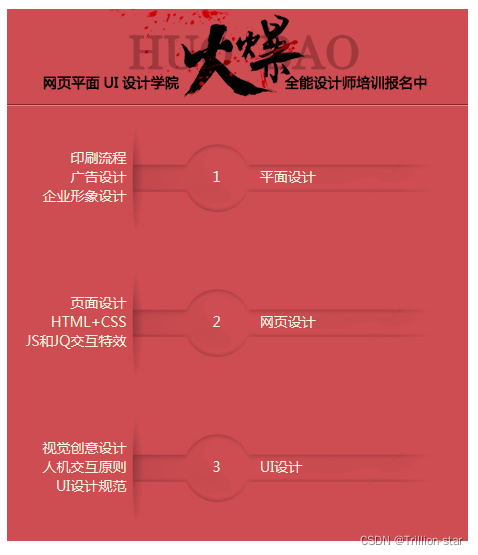
合给出的素材,运用列表标签、超链接标签以及CSS控制列表与超链接的样式实现下图所示的课程介绍专栏效果。其中课程类别都是可以点击的链接,当鼠标移上时,其样式会发生变化。
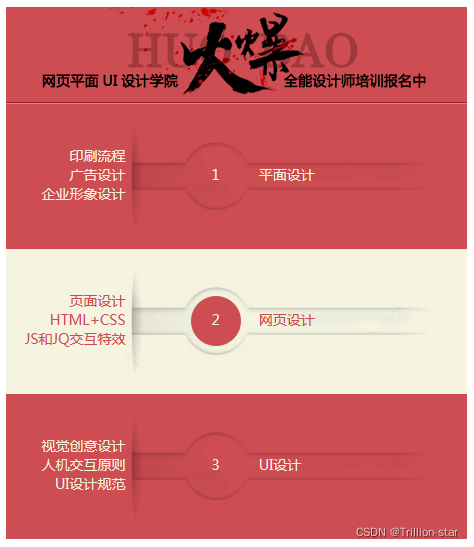
鼠标移动到对应位置上的效果
代码以及注释
doctype html>
<html>
<head>
<meta charset="UTF-8">
<title>课程介绍专栏title><style>*{margin: 0;padding: 0;font-size:14px; 	/*清除默认效果*/}dd{width: 460px;height: 145px;margin: -4px;padding: 0;background: url("bg.png");	}.one,.three{padding-top:43px;width:120px;height:80px;display: inline-block;text-align: right;	}.two{color: white;padding-top:39px;width:90px;height:80px;display: inline-block;text-align: right;}a:hover{/*鼠标移到元素上时向此元素添加特殊的css样式*/color: #ce4d52;background:url("bg1.png");}a{	color: white;display: block;width: 460px;height: 145px;text-decoration: none;	}
style>
head>
<body><dl><dt><img src="head.png" width="456" height="100" alt="title">dt><dd> <a href=""><span class="one"> 印刷流程<br>广告设计<br>企业形象设计span><span class="two">  <br>1<br> span><span class="three"><br> 平面设计<br> span>a>dd><dd><a href="" ><span class="one">页面设计<br>HTML+CSS<br>JS和JQ交互特效span><span class="two"> <br>2<br> span><span class="three"> <br>网页设计<br> span>a>dd><dd><a href="" ><span class="one">视觉创意设计<br>人机交互原则<br>UI设计规范span><span class="two"> <br>3<br> span><span class="three"> <br>网页设计<br> span>a>dd>		dl>
body>
html>
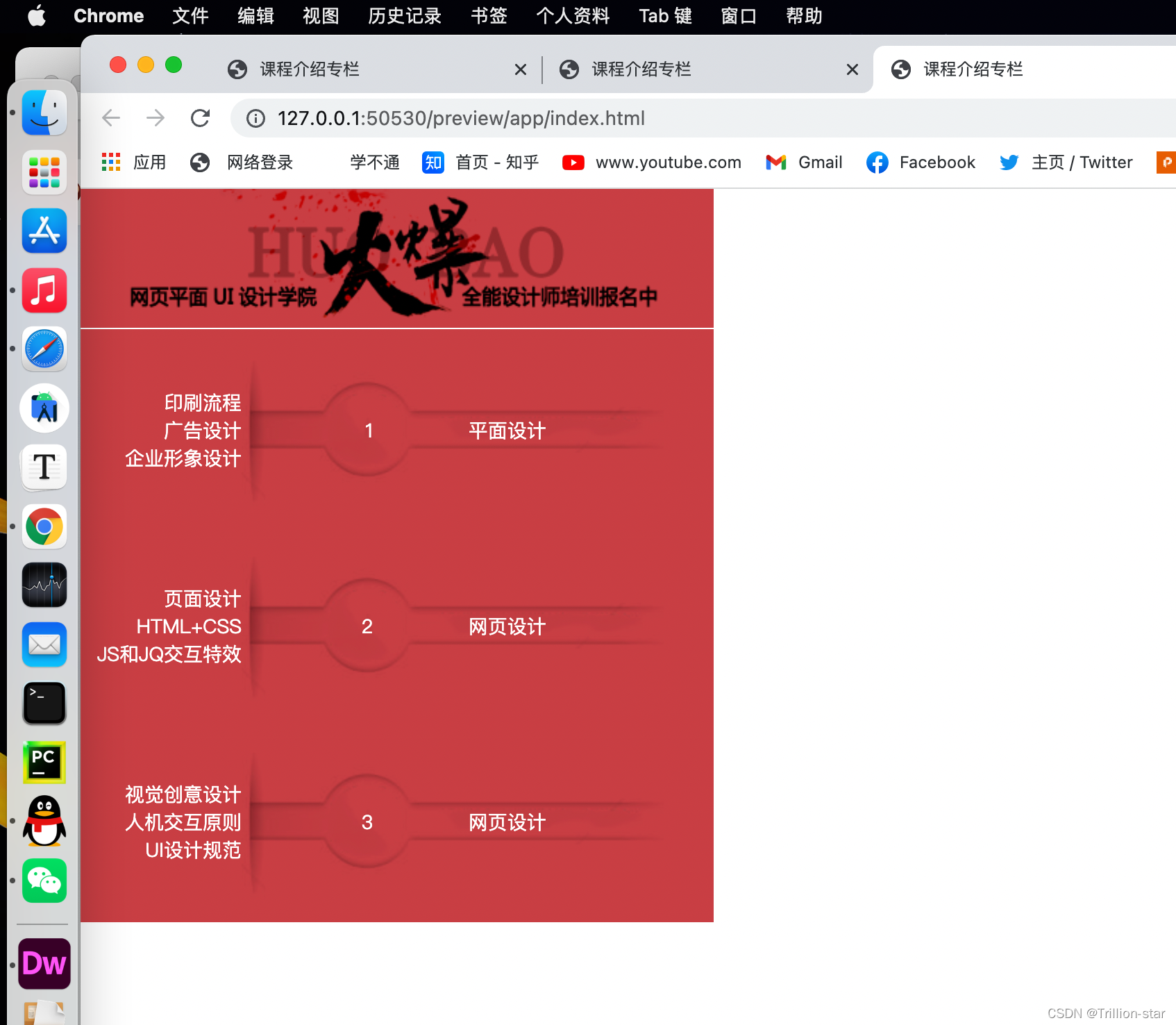
效果展示
//欢迎加我VX进群交流
vx账号:-Sep07
本文来自互联网用户投稿,文章观点仅代表作者本人,不代表本站立场,不承担相关法律责任。如若转载,请注明出处。 如若内容造成侵权/违法违规/事实不符,请点击【内容举报】进行投诉反馈!