vue中引入本地svg图标
1.在阿里巴巴图标上下载svg图标到本地

2.在项目里面封装组件

index.vue引入如下代码
<template><svg :class="svgClass" aria-hidden="true" v-on="$listeners"><use :xlink:href="iconName" /></svg>
</template>
<script>export default {name: 'SvgIcon',props: {iconClass: {type: String,required: true},className: {type: String,default: ''}},computed: {iconName() {return `#icon-${this.iconClass}`},svgClass() {if (this.className) {return 'svg-icon ' + this.className} else {return 'svg-icon'}},styleExternalIcon() {return {mask: `url(${this.iconClass}) no-repeat 50% 50%`,'-webkit-mask': `url(${this.iconClass}) no-repeat 50% 50%`}}}}
</script>
<style scoped>.svg-icon {width: 1.5em;height: 1.5em;vertical-align: -0.15em;fill: currentColor;overflow: hidden;}.svg-external-icon {background-color: currentColor;mask-size: cover!important;display: inline-block;}
</style>
3.安装插件npm i svg-sprite-loader --save
4.在项目的src目录下面新建icons>svg文件夹存放下载的svg图标,并在icons文件夹下面新建一个index.js文件,如下图:

在index.js文件里面引入如下代码
import Vue from 'vue'
import SvgIcon from '@/components/SvgIcon'// 注册到全局
Vue.component('svg-icon', SvgIcon)const requireAll = requireContext => requireContext.keys().map(requireContext)
const req = require.context('./svg', false, /\.svg$/)
requireAll(req)
5.在配置vue.config.js文件里面配置如下代码
注意:resolve()里面路径不要写错了,结合自己项目里面的路径!!!
const path = require('path')
const resolve = dir => path.join(__dirname, dir)module.exports = {devServer:{port:8099,open:true},chainWebpack: (config) => {config.module.rule("svg").exclude.add(resolve("src/icons")).end();config.module.rule("icons").test(/\.svg$/).include.add(resolve("src/icons")).end().use("svg-sprite-loader").loader("svg-sprite-loader").options({symbolId: "icon-[name]",}).end();},
};

6.在main.js里面引入

7.页面引入使用
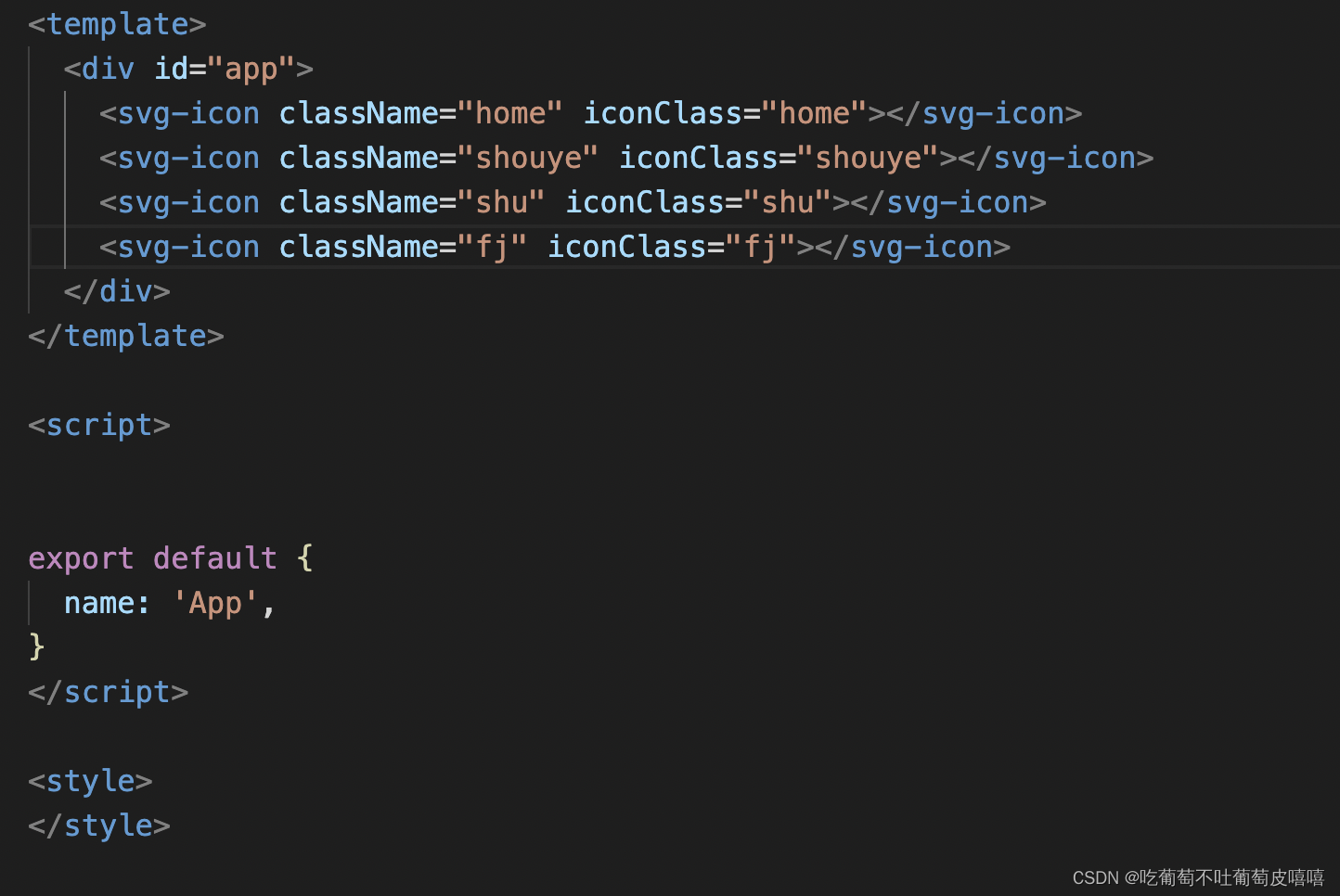
8.页面展示效果

本文来自互联网用户投稿,文章观点仅代表作者本人,不代表本站立场,不承担相关法律责任。如若转载,请注明出处。 如若内容造成侵权/违法违规/事实不符,请点击【内容举报】进行投诉反馈!