java 界面设置字体_Java(改进版):swing登录和注册界面,改变字体样式与颜色【诗书画唱】...
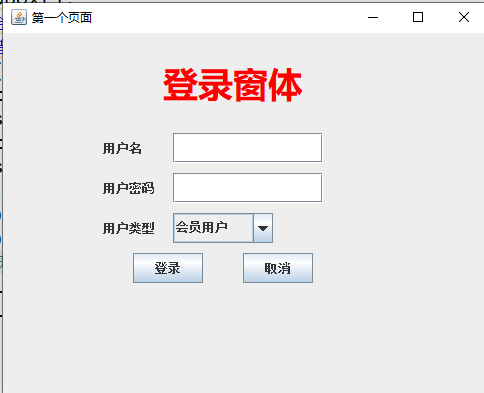
登录界面: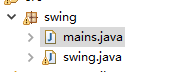

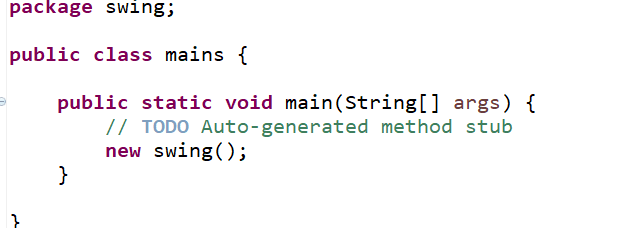
package swing;
public class mains {
public static void main(String[] args) {
// TODO Auto-generated method stub
new swing();
}
}

package swing;
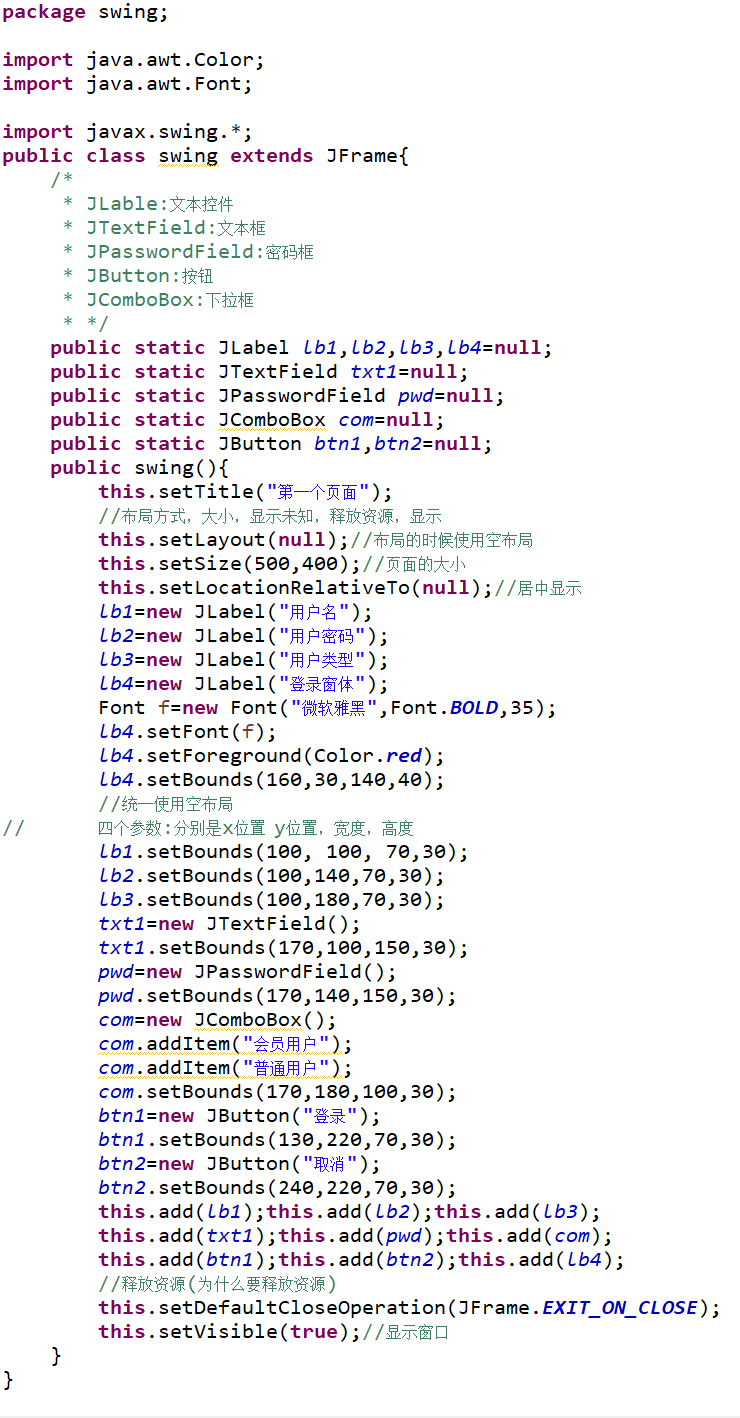
import java.awt.Color;
import java.awt.Font;
import javax.swing.*;
public class swing extends JFrame{
/*
* JLable:文本控件
* JTextField:文本框
* JPasswordField:密码框
* JButton:按钮
* JComboBox:下拉框
* */
public static JLabel lb1,lb2,lb3,lb4=null;
public static JTextField txt1=null;
public static JPasswordField pwd=null;
public static JComboBox com=null;
public static JButton btn1,btn2=null;
public swing(){
this.setTitle("第一个页面");
//布局方式,大小,显示未知,释放资源,显示
this.setLayout(null);//布局的时候使用空布局
this.setSize(500,400);//页面的大小
this.setLocationRelativeTo(null);//居中显示
lb1=new JLabel("用户名");
lb2=new JLabel("用户密码");
lb3=new JLabel("用户类型");
lb4=new JLabel("登录窗体");
Font f=new Font("微软雅黑",Font.BOLD,35);
lb4.setFont(f);
lb4.setForeground(Color.red);
lb4.setBounds(160,30,140,40);
//统一使用空布局
//四个参数:分别是x位置 y位置,宽度,高度
lb1.setBounds(100, 100, 70,30);
lb2.setBounds(100,140,70,30);
lb3.setBounds(100,180,70,30);
txt1=new JTextField();
txt1.setBounds(170,100,150,30);
pwd=new JPasswordField();
pwd.setBounds(170,140,150,30);
com=new JComboBox();
com.addItem("会员用户");
com.addItem("普通用户");
com.setBounds(170,180,100,30);
btn1=new JButton("登录");
btn1.setBounds(130,220,70,30);
btn2=new JButton("取消");
btn2.setBounds(240,220,70,30);
this.add(lb1);this.add(lb2);this.add(lb3);
this.add(txt1);this.add(pwd);this.add(com);
this.add(btn1);this.add(btn2);this.add(lb4);
//释放资源(为什么要释放资源)
this.setDefaultCloseOperation(JFrame.EXIT_ON_CLOSE);
this.setVisible(true);//显示窗口
}
}
注册界面:
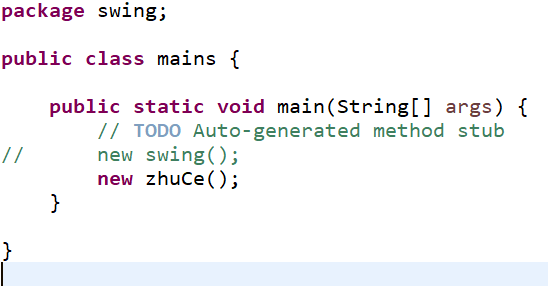
package swing;
public class mains {
public static void main(String[] args) {
// TODO Auto-generated method stub
//new swing();
new zhuCe();
}
}

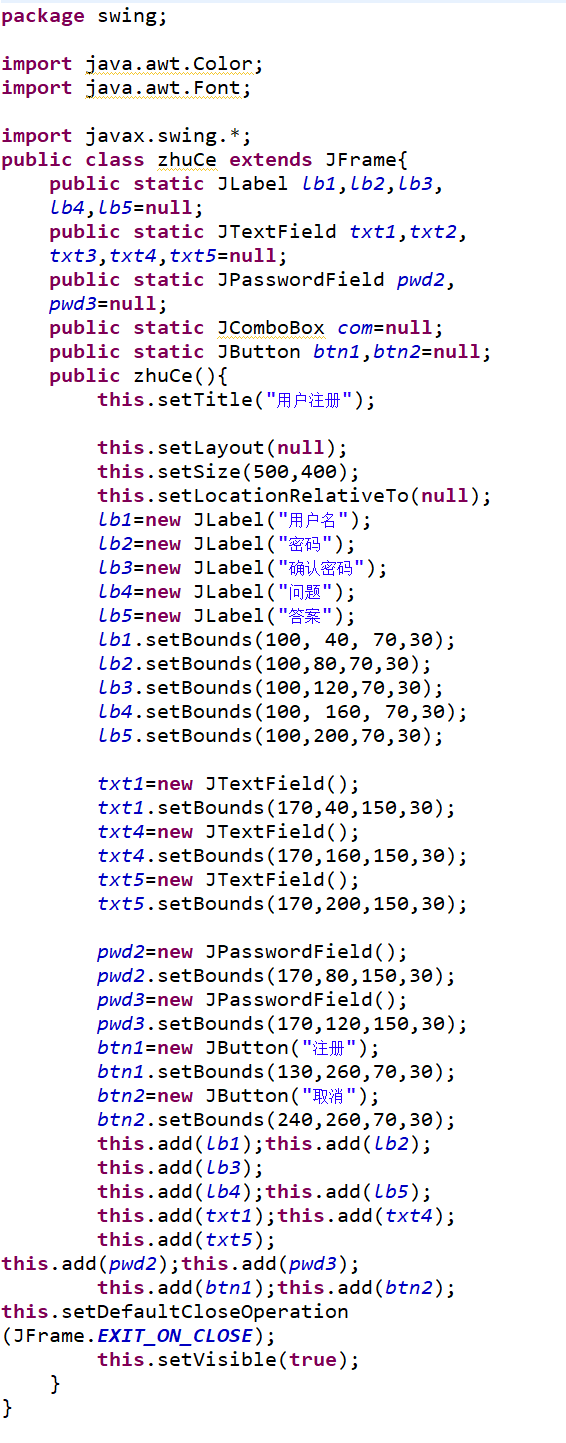
package swing;
import java.awt.Color;
import java.awt.Font;
import javax.swing.*;
public class zhuCe extends JFrame{
public static JLabel lb1,lb2,lb3,lb4,lb5=null;
public static JTextField txt1,txt2,txt3,txt4,txt5=null;
public static JPasswordField pwd2,pwd3=null;
public static JComboBox com=null;
public static JButton btn1,btn2=null;
public zhuCe(){
this.setTitle("用户注册");
this.setLayout(null);
this.setSize(500,400);
this.setLocationRelativeTo(null);
lb1=new JLabel("用户名");
lb2=new JLabel("密码");
lb3=new JLabel("确认密码");
lb4=new JLabel("问题");
lb5=new JLabel("答案");
lb1.setBounds(100, 40, 70,30);
lb2.setBounds(100,80,70,30);
lb3.setBounds(100,120,70,30);
lb4.setBounds(100, 160, 70,30);
lb5.setBounds(100,200,70,30);
txt1=new JTextField();
txt1.setBounds(170,40,150,30);
txt4=new JTextField();
txt4.setBounds(170,160,150,30);
txt5=new JTextField();
txt5.setBounds(170,200,150,30);
pwd2=new JPasswordField();
pwd2.setBounds(170,80,150,30);
pwd3=new JPasswordField();
pwd3.setBounds(170,120,150,30);
btn1=new JButton("注册");
btn1.setBounds(130,260,70,30);
btn2=new JButton("取消");
btn2.setBounds(240,260,70,30);
this.add(lb1);this.add(lb2);this.add(lb3);
this.add(lb4);this.add(lb5);
this.add(txt1);this.add(txt4);this.add(txt5);
this.add(pwd2);this.add(pwd3);
this.add(btn1);this.add(btn2);
this.setDefaultCloseOperation(JFrame.EXIT_ON_CLOSE);
this.setVisible(true);
}
}
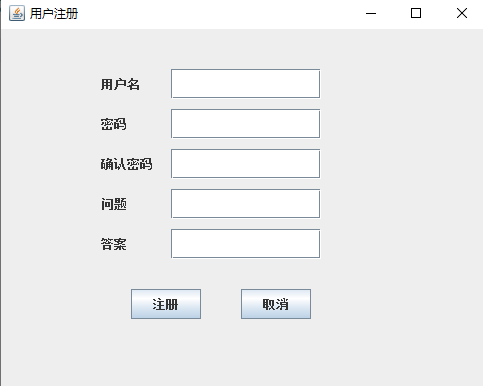
本文来自互联网用户投稿,文章观点仅代表作者本人,不代表本站立场,不承担相关法律责任。如若转载,请注明出处。 如若内容造成侵权/违法违规/事实不符,请点击【内容举报】进行投诉反馈!